TURIN TR01-370B
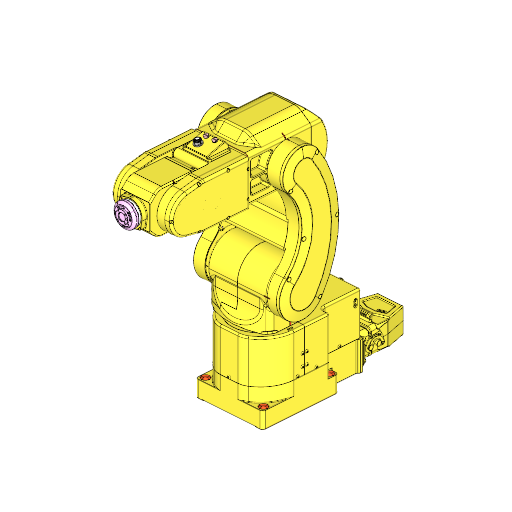
TURIN TR01-370B specs:
| Type | Industrial Robot |
| Brand | TURIN |
| Model | TR01-370B |
| Axes | 6 |
| Payload | 1 kg |
| Reach | 370 mm |
| Repeatability | 0.01 mm |
| Weight | 15 kg |

TURIN TR01-370B description
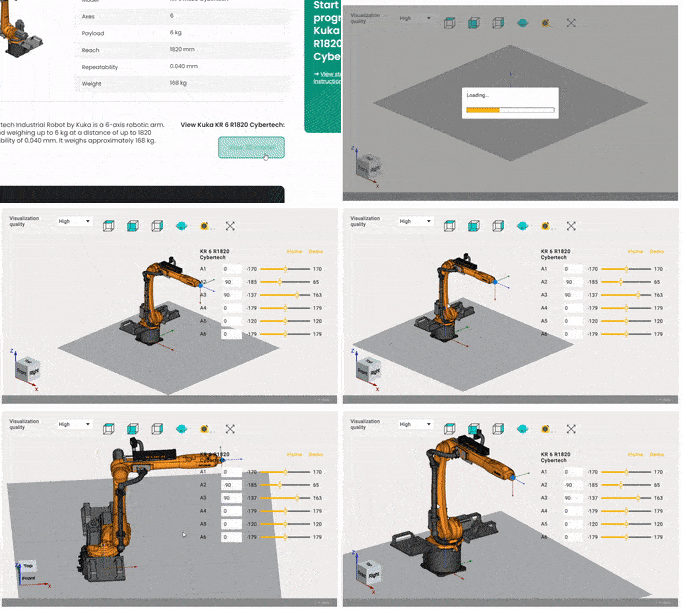
TURIN TR01-370B applications
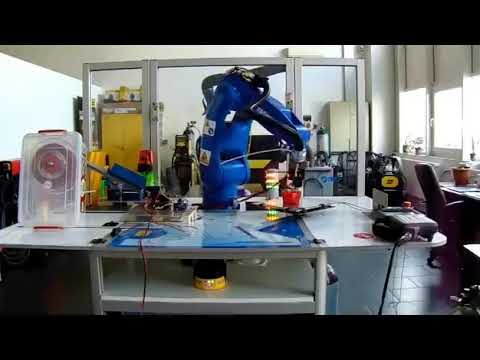
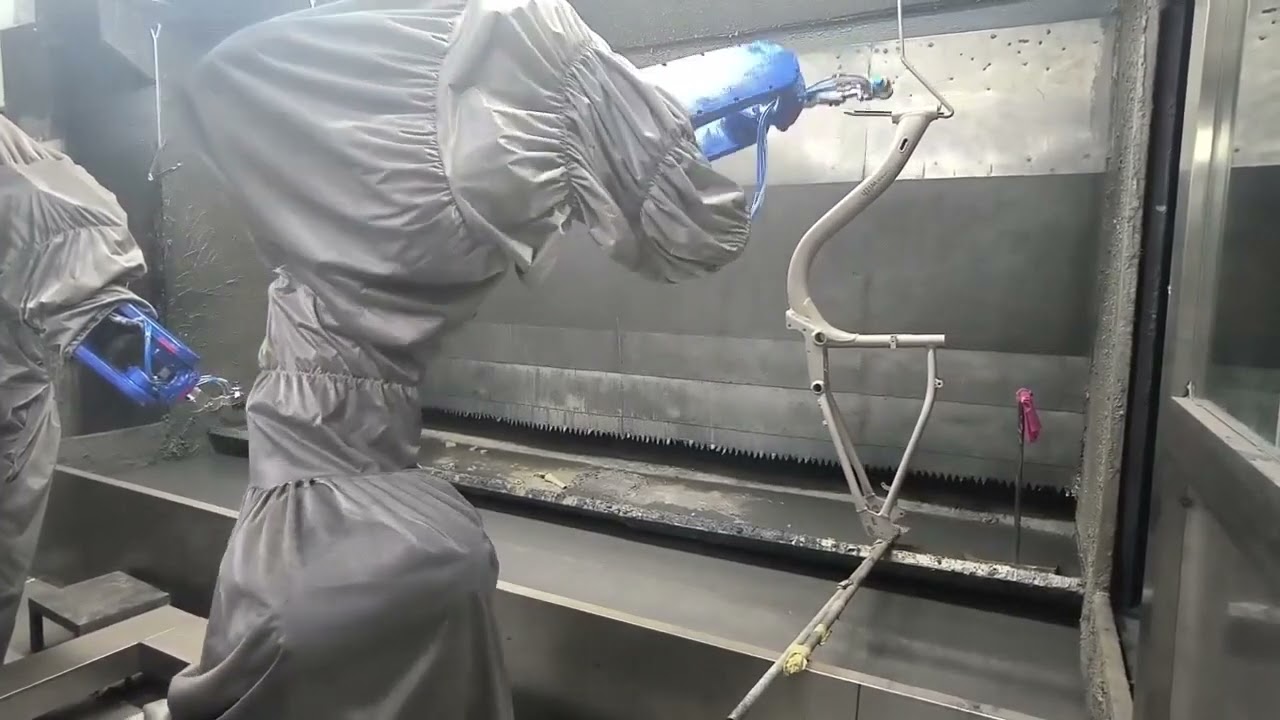
In general, industrial robots and cobots are versatile and usually don’t have a limitation to a specific application. So, in most cases, Industrial Robot TURIN TR01-370B can be used for various applications such as pick-and-place, robotic welding, cutting, deburring, polishing, painting, dispensing, additive manufacturing and robot milling.
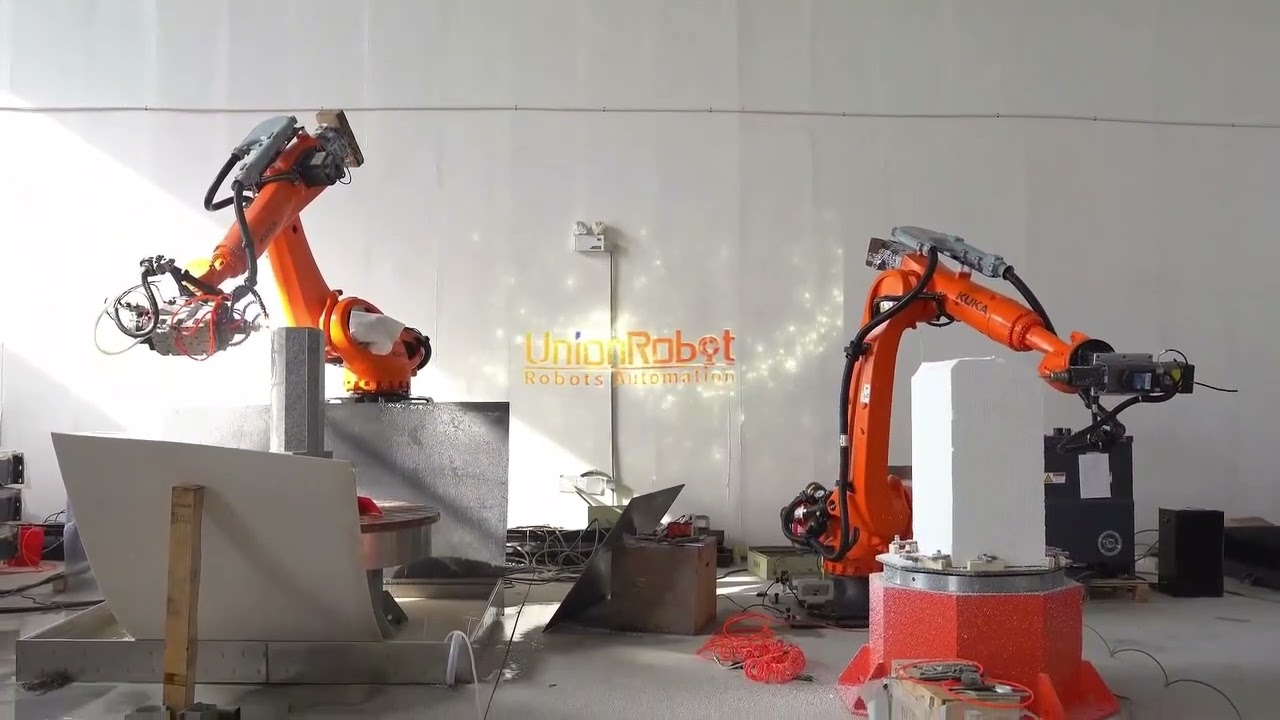
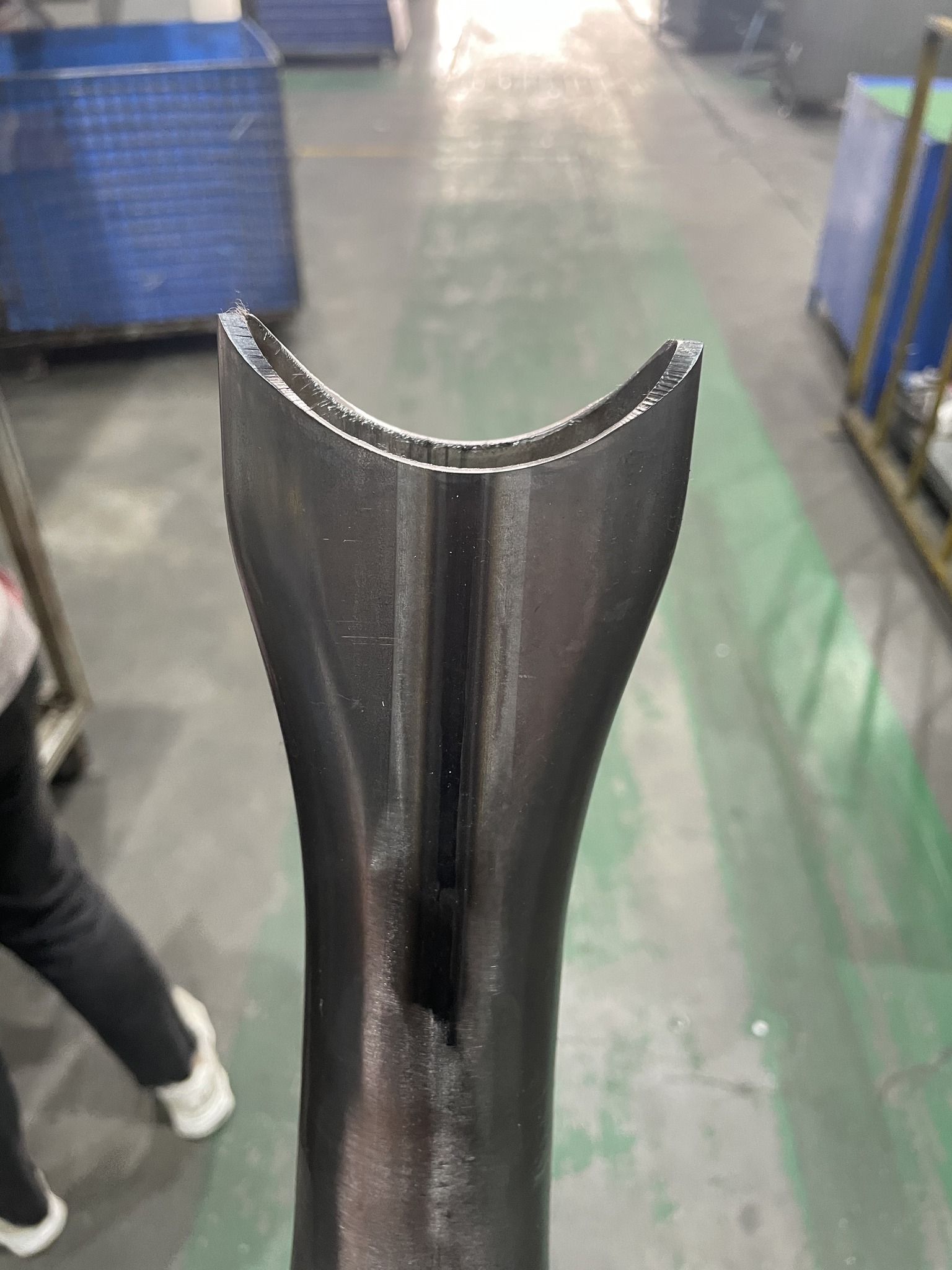
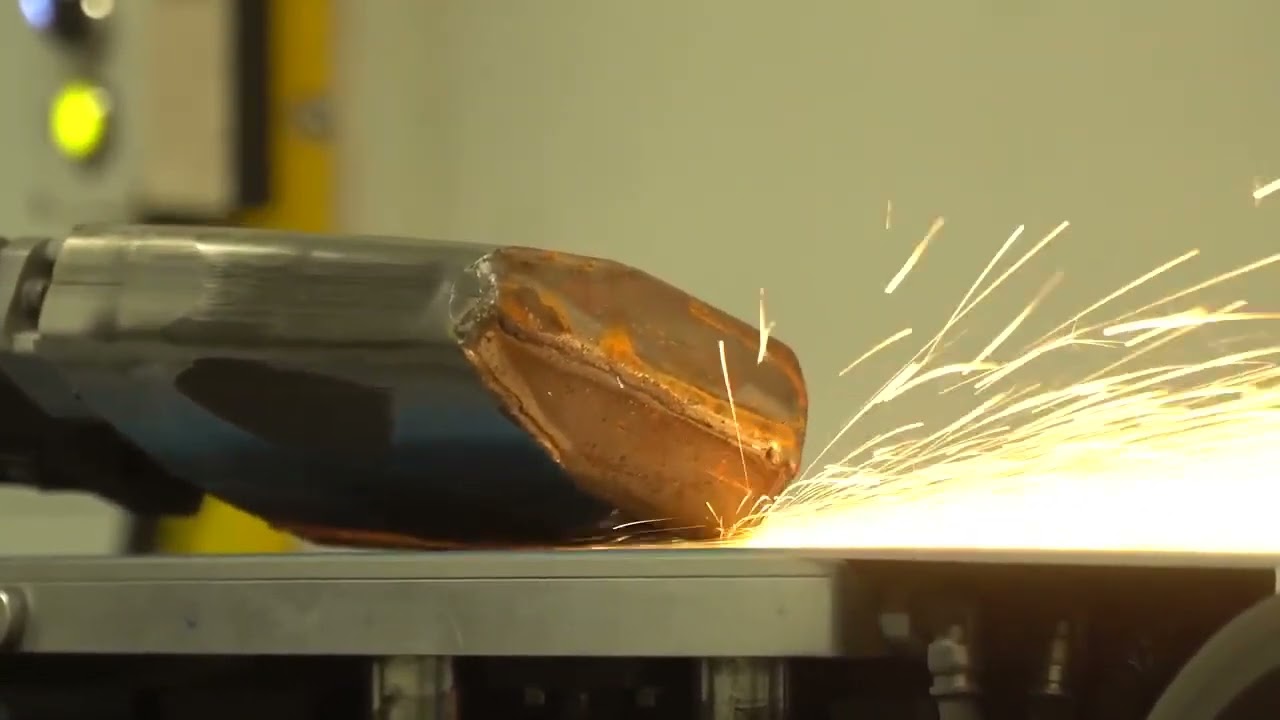
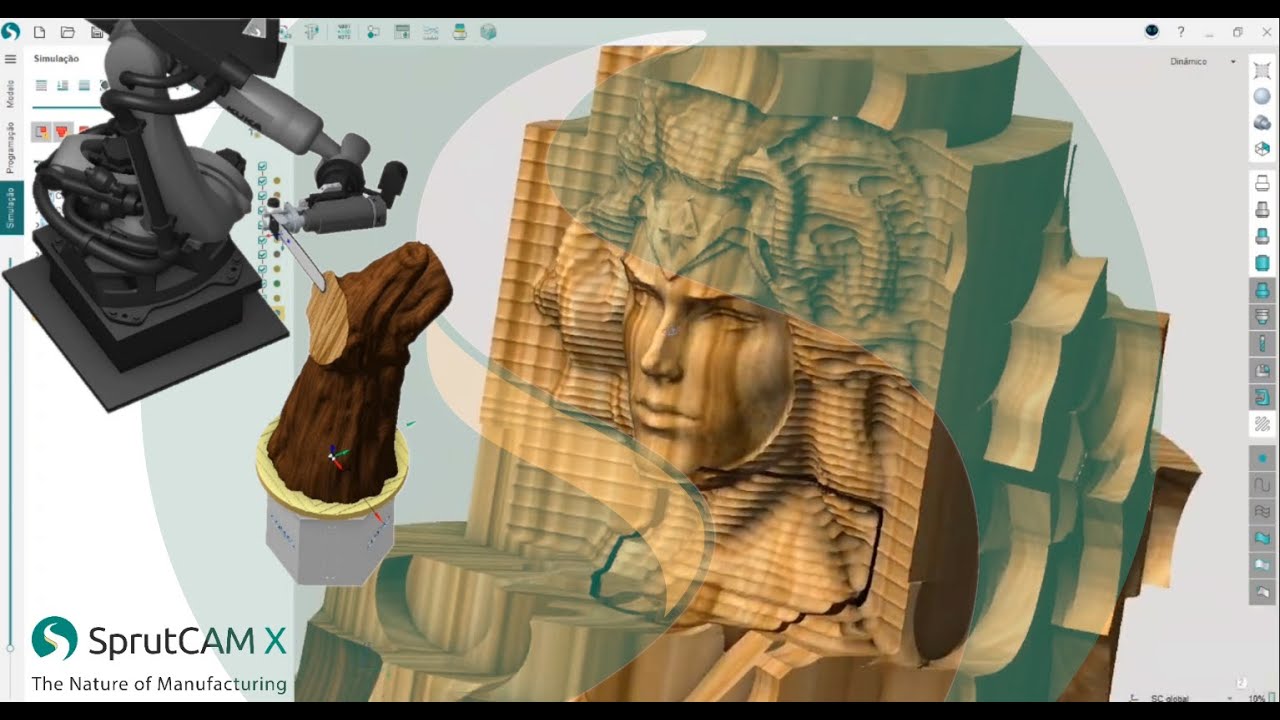
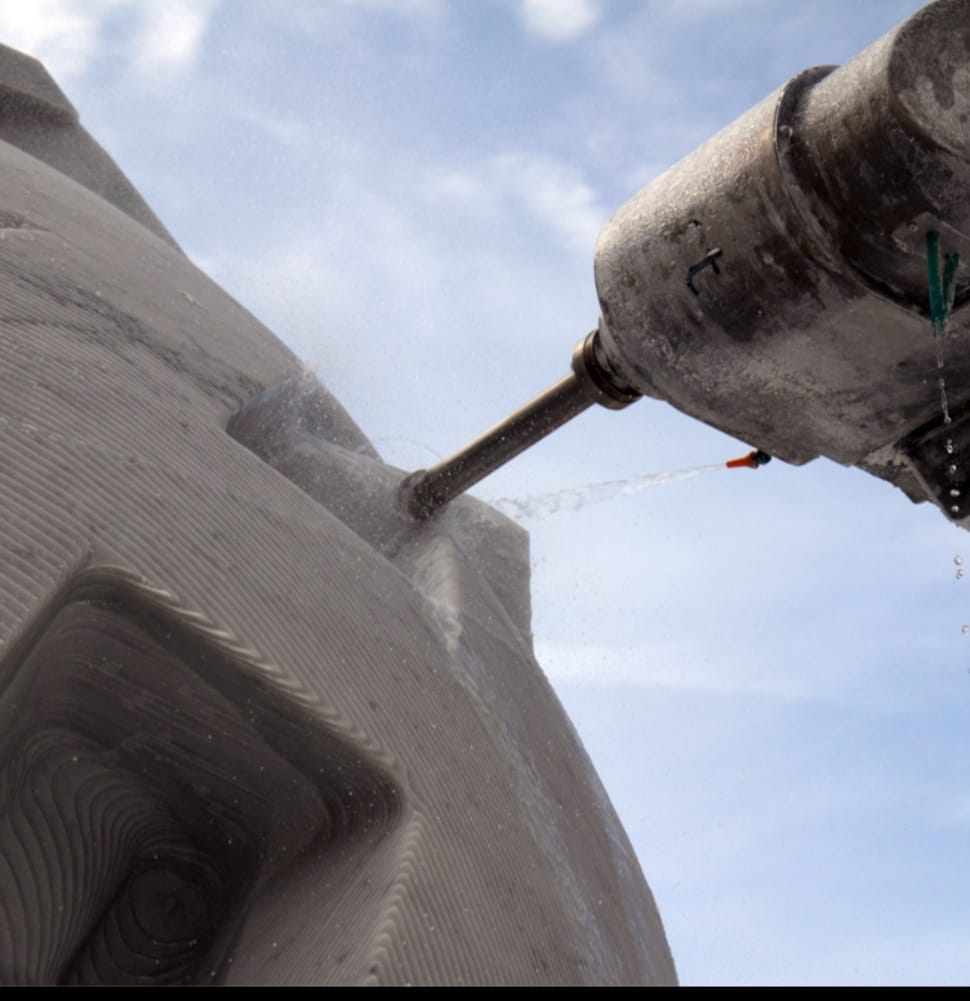
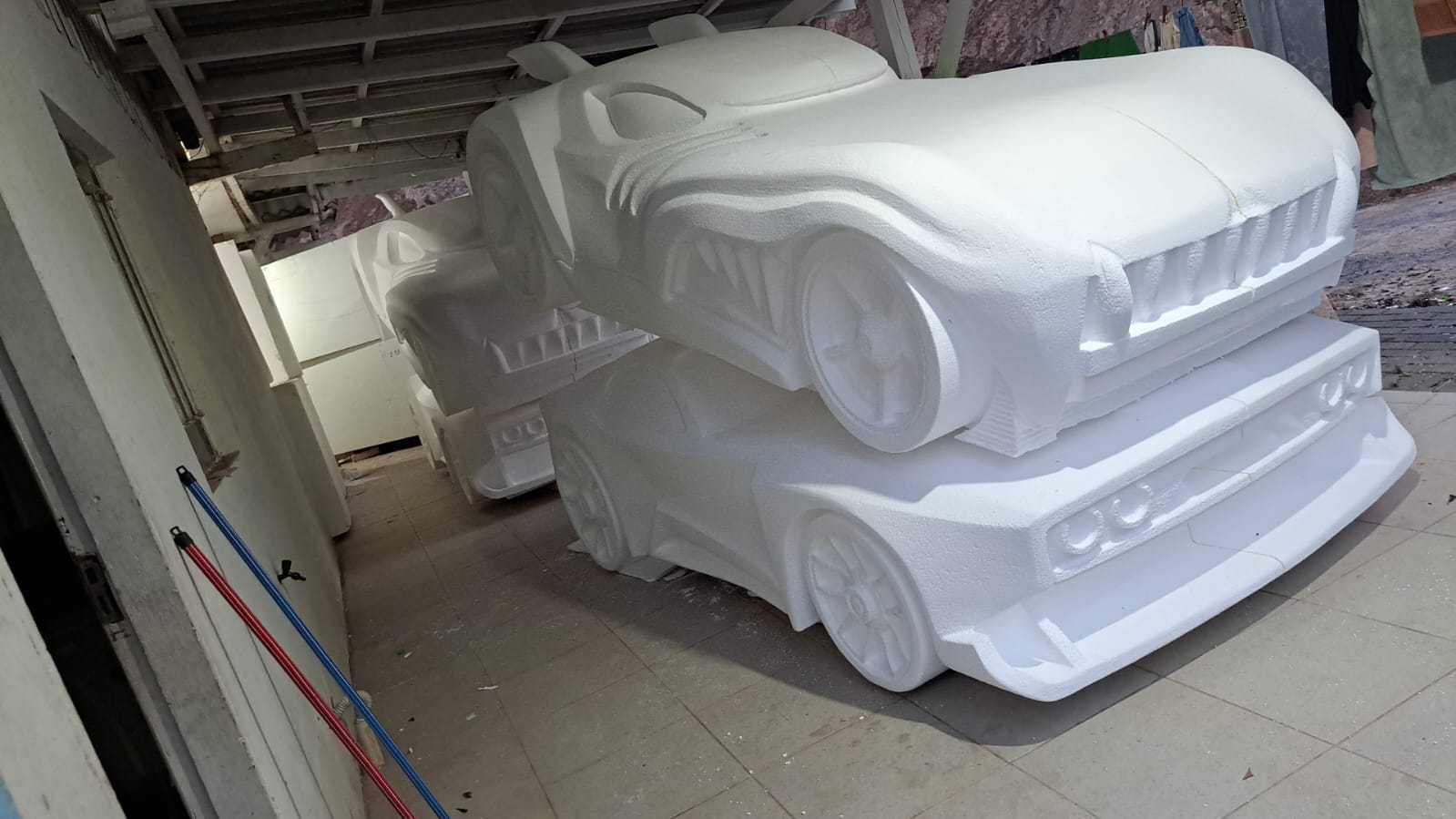
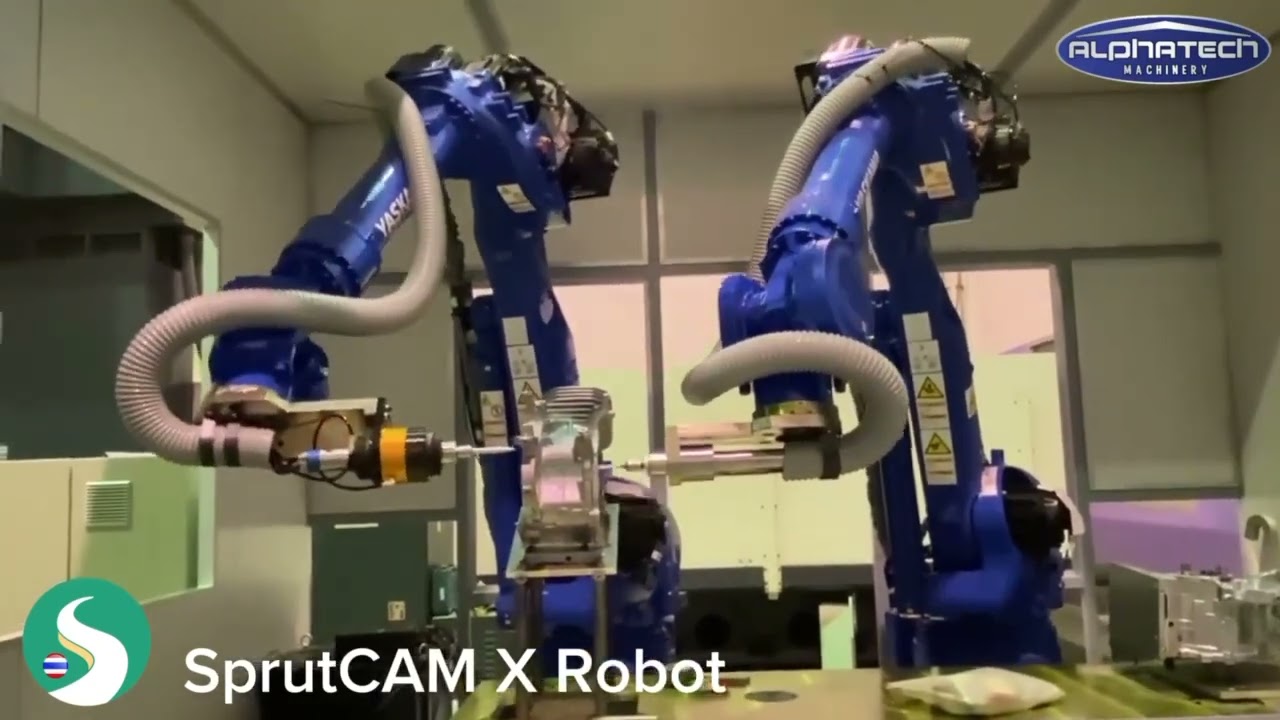
Its main applications are: Robot milling, Sculpture machining, Multiaxis cutting, Trimming, Deburring.. However, we recommend consulting your robot supplier or the official manufacturer.
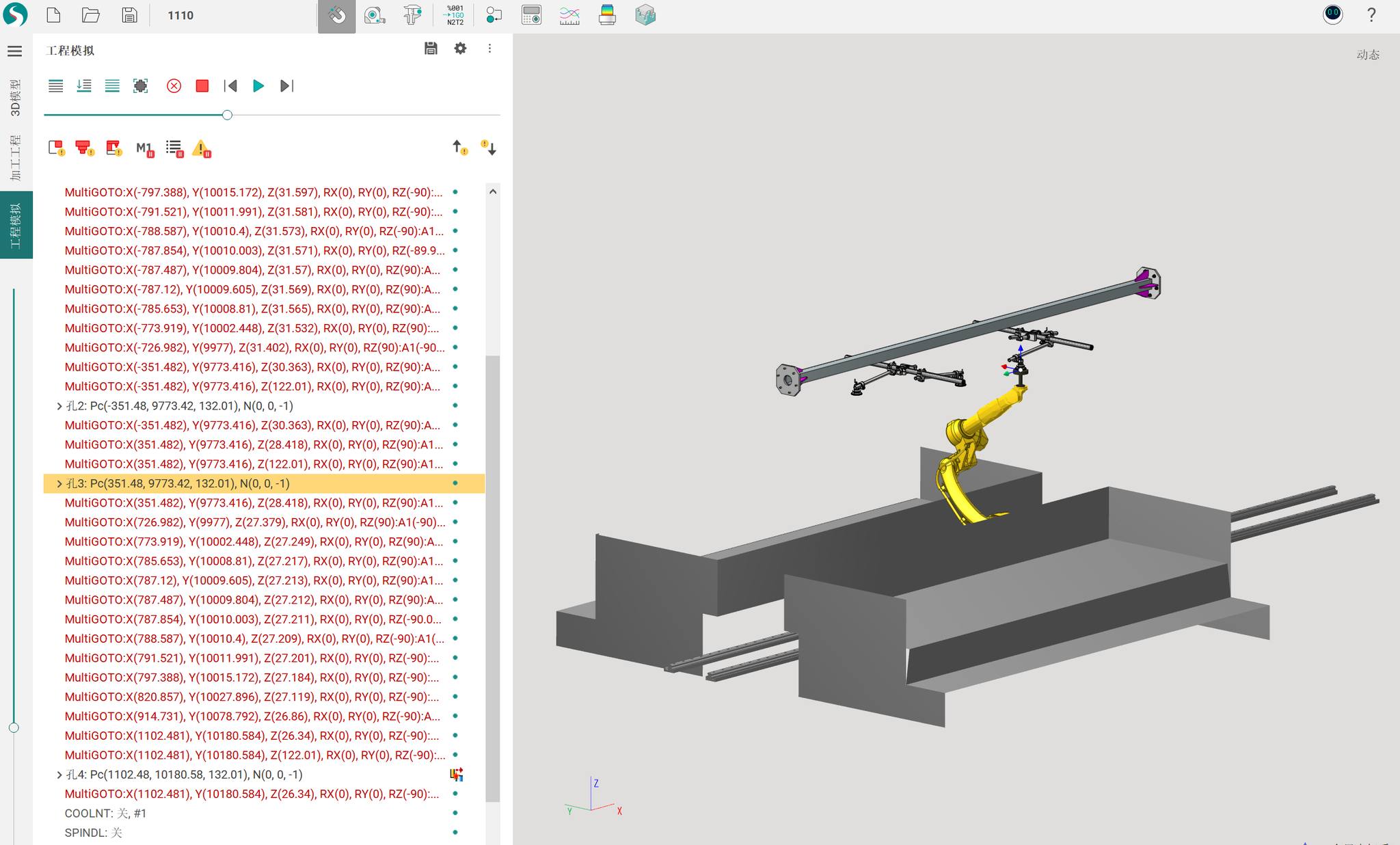
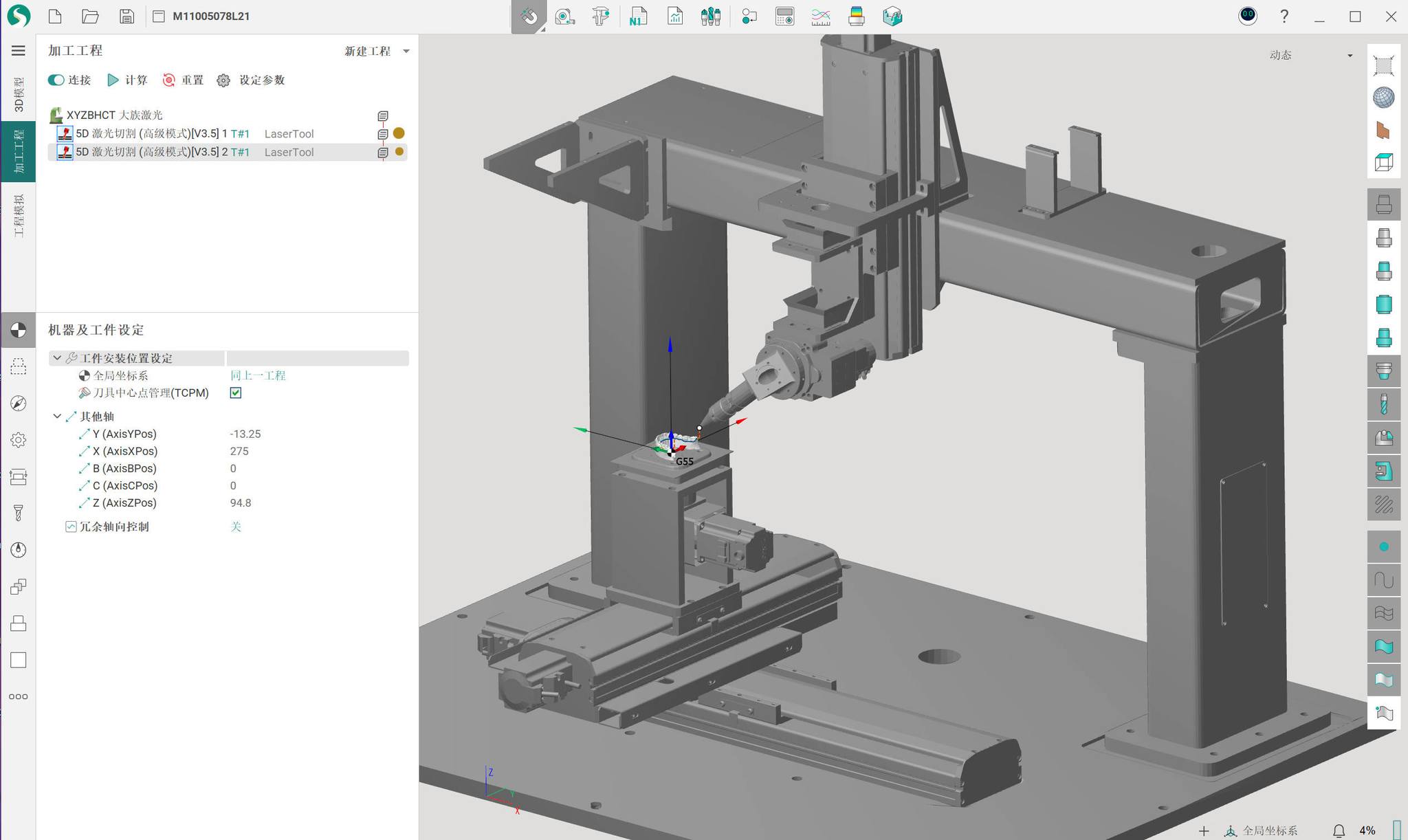
Continue reading to find out how TURIN TR01-370B can be programmed with the all-in-one CAD/CAM/OLP robot programming software SprutCAM X Robot.
What is SprutCAM X Robot
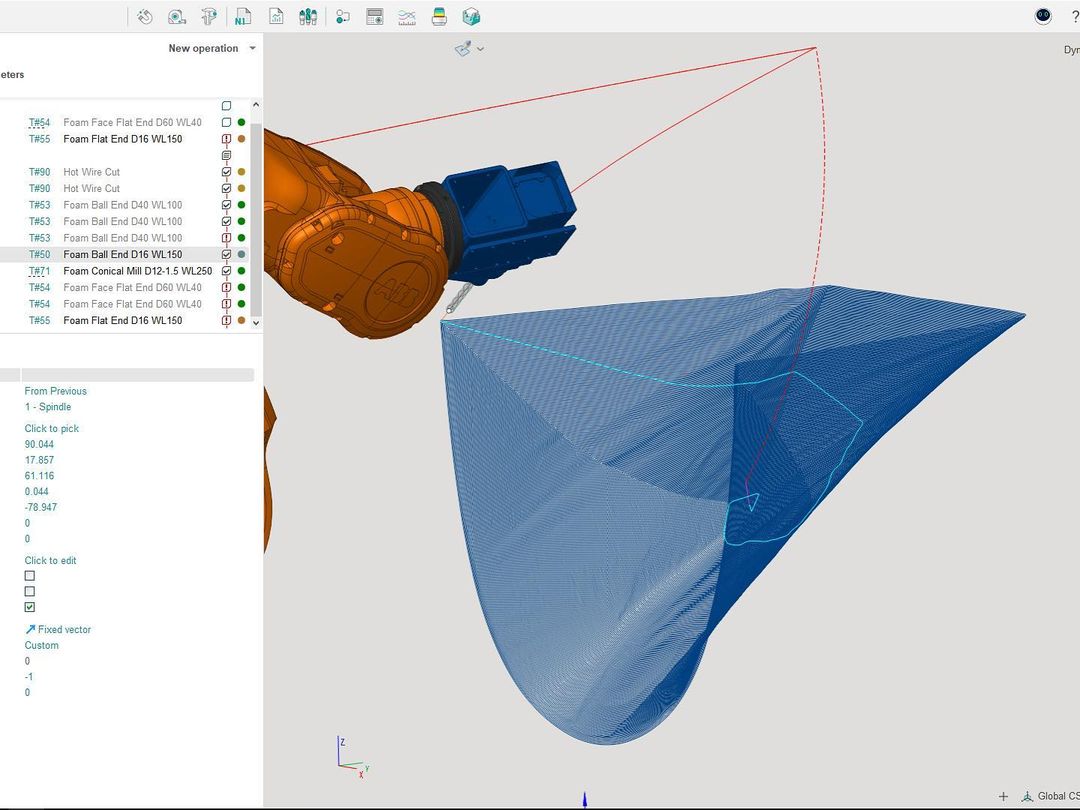
SprutCAM X Robot CAD/CAM software is the innovative all-in-one offline robot programming solution that accelerates complex and creative robotic tasks by many times.
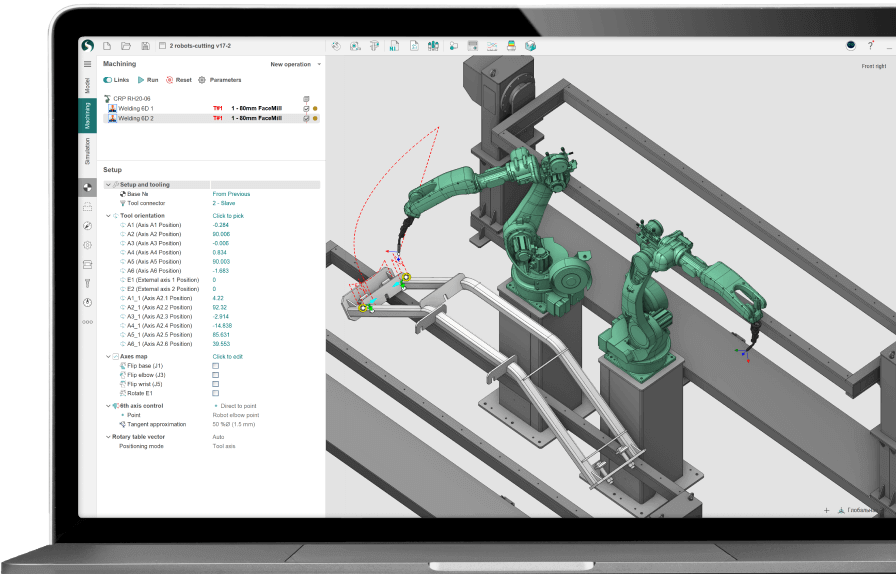
TURIN TR01-370B applications programmed with SprutCAM X Robot
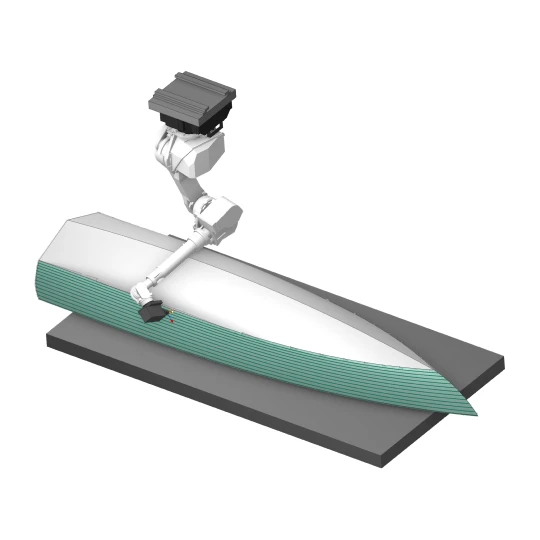
Robot milling
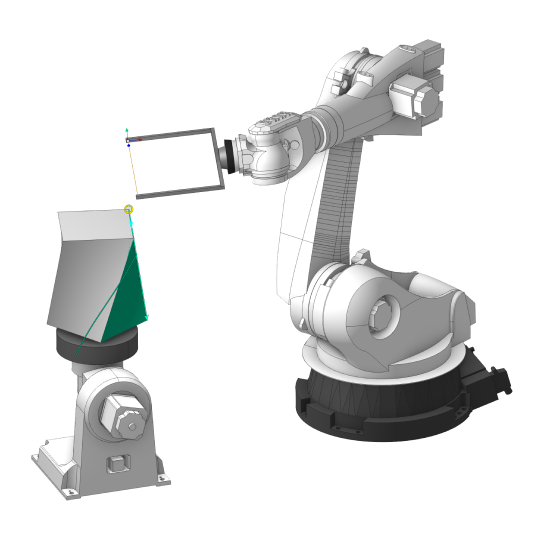
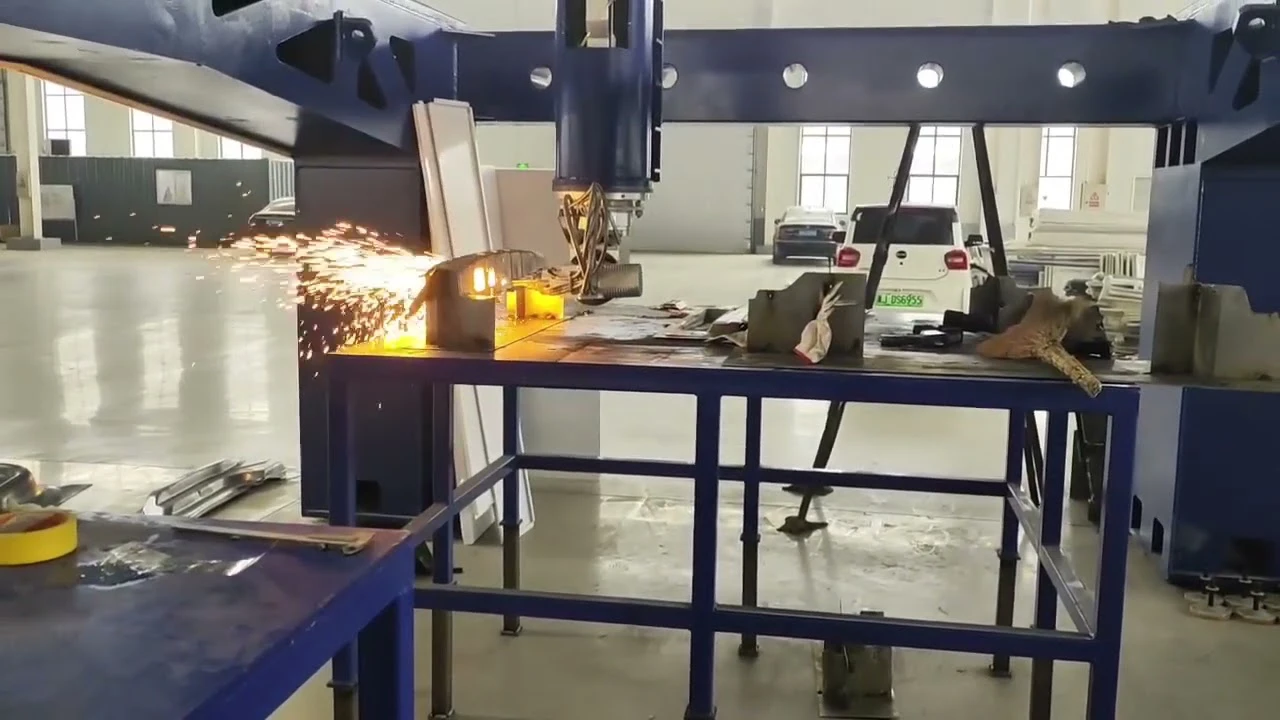
Multiaxis cutting
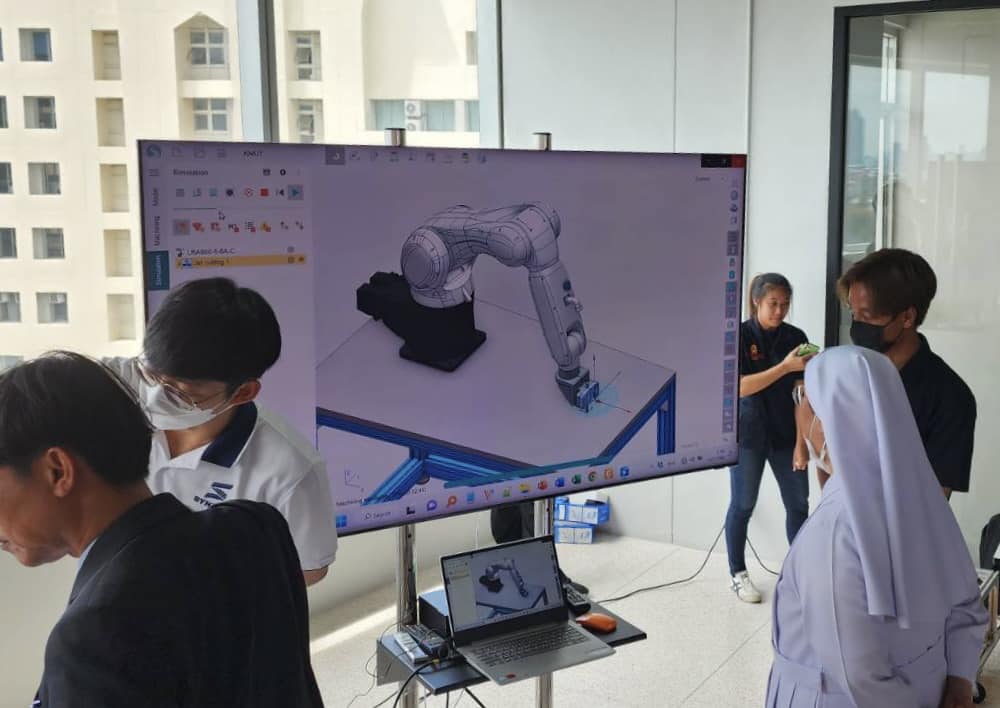
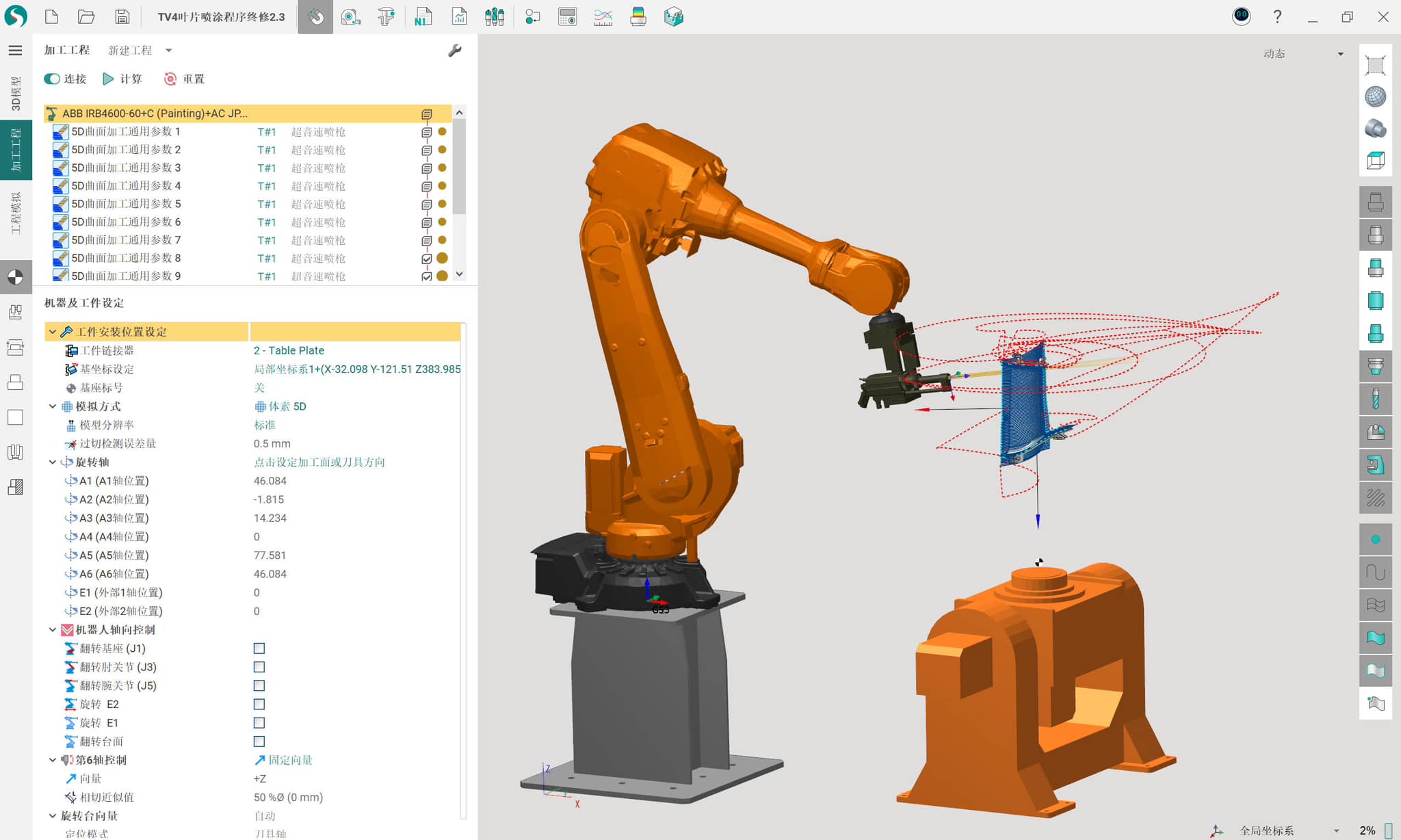
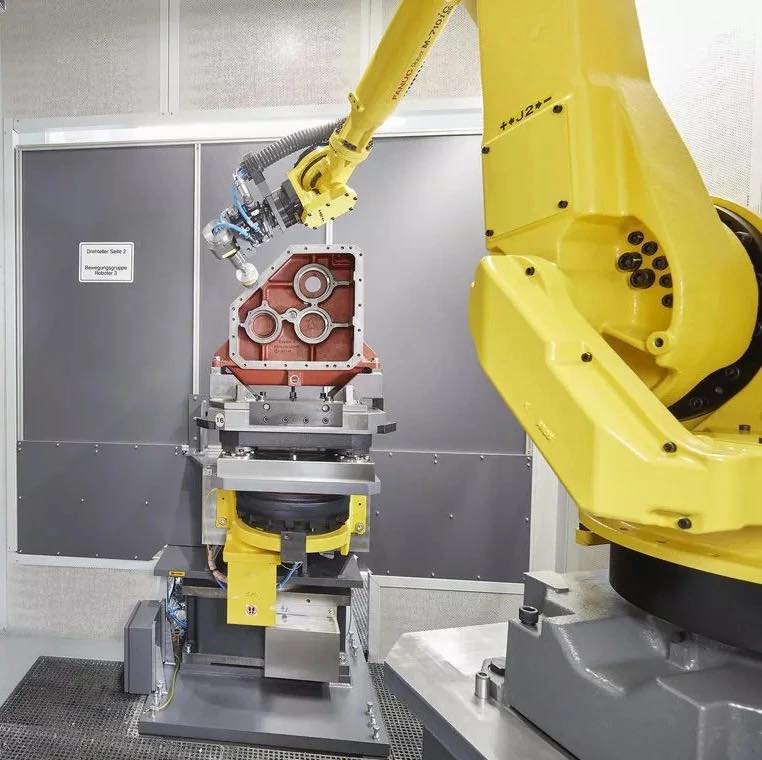
#PoweredBySprutCAM
#PoweredBySprutCAM
Daily posts from our users all over the world
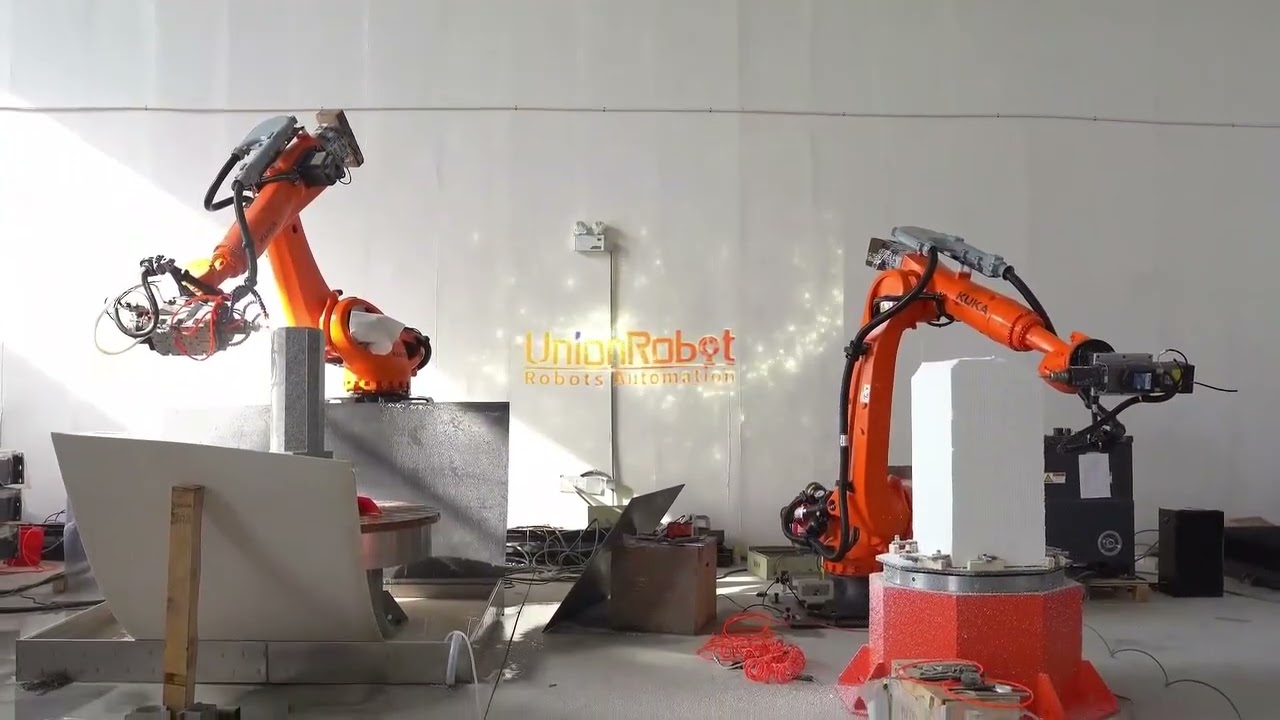

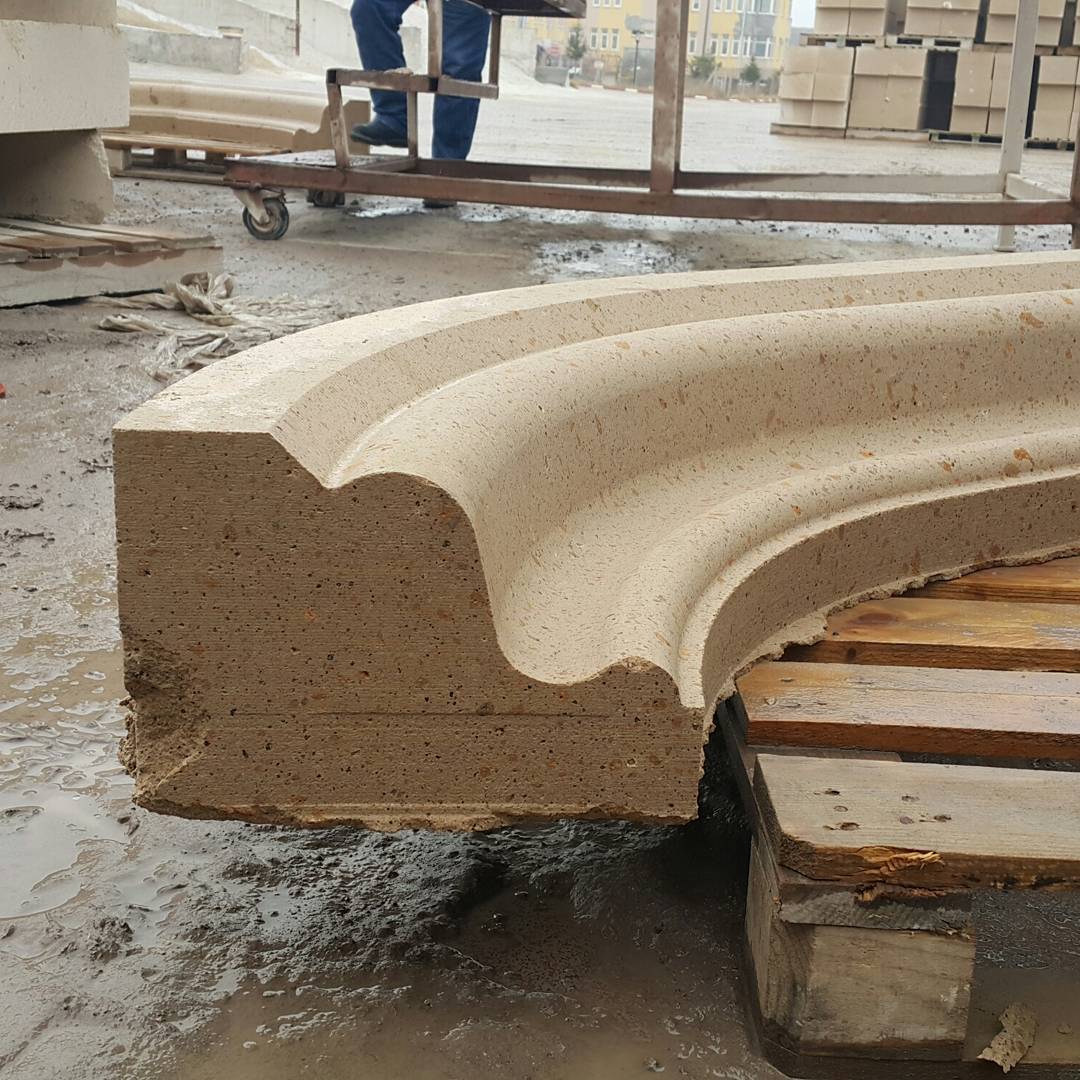

How to start programming TURIN TR01-370B with SprutCAM X Robot
Step by step instruction
Step 1
Download and install SprutCAM X Robot.
Free 30-day fully functional license is granted automatically.
Step 2
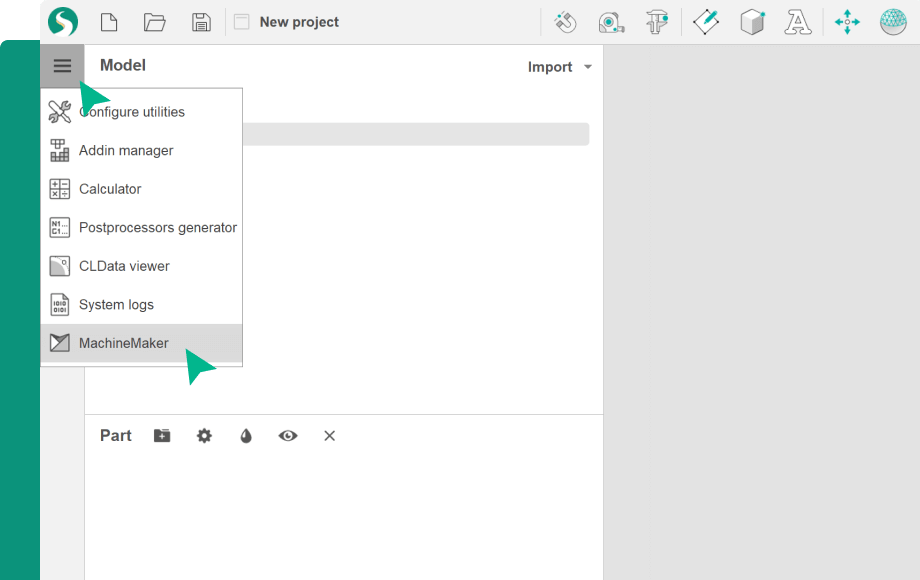
Open MachineMaker
Step 3
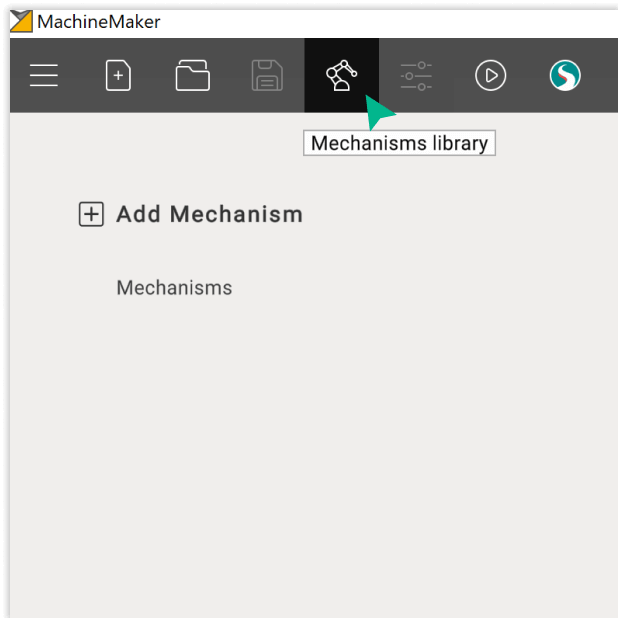
Open online library
Step 4
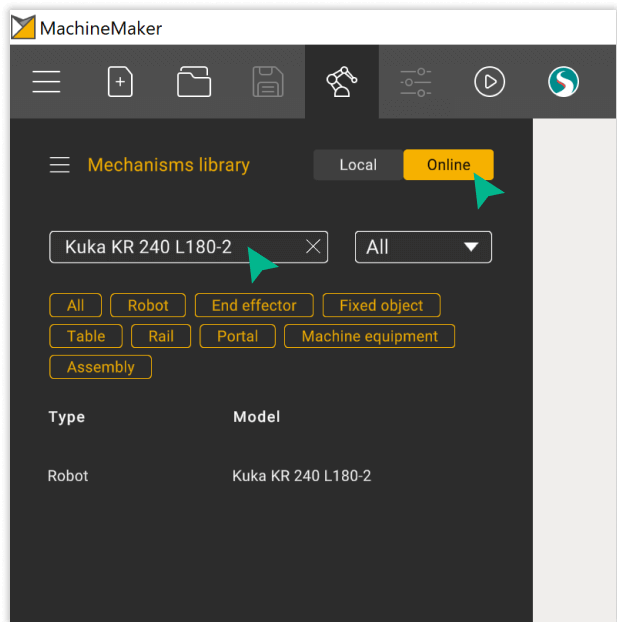
Find the component
Step 5
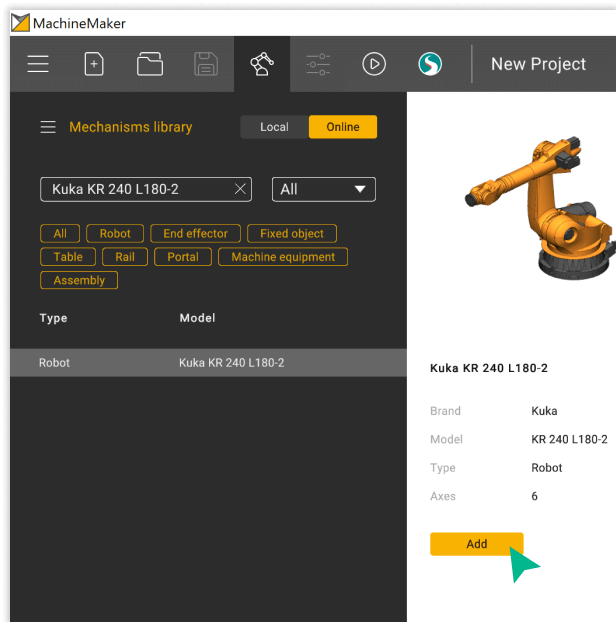
Click on the “Add” button. Ready!
Frequently Asked Questions
Just download a fully functional trial version of SprutCAM X Robot at the download center and start using it. You can learn how to use SprutCAM X Robot in online training center.
Absolutely. Simply download a 30-day fully functional trial version of SprutCAM X Robot at the download center.