AUBO i20
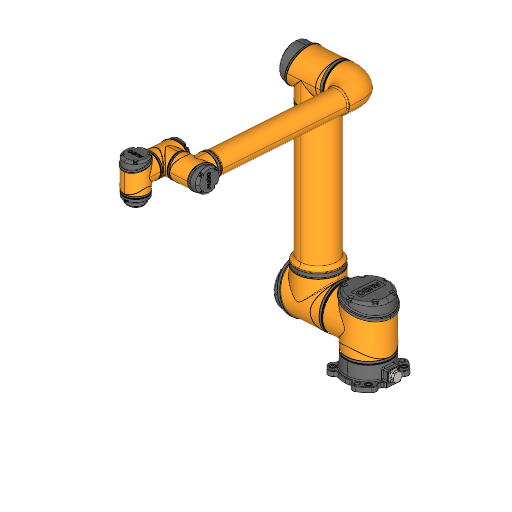
AUBO i20 specs:
| Type | Cobot |
| Brand | AUBO |
| Model | i20 |
| Axes | 6 |
| Payload | 20 kg |
| Reach | 1650 mm |
| Repeatability | 0.1 mm |
| Weight | 63 kg |

AUBO i20 description
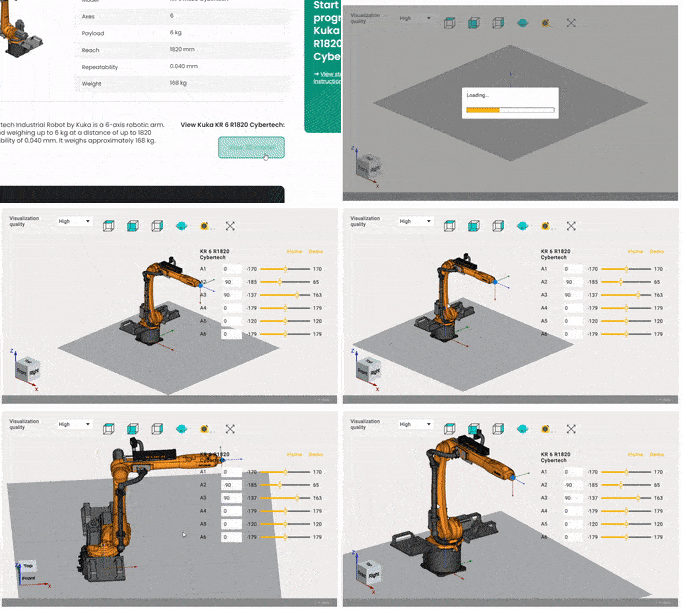
AUBO i20 applications
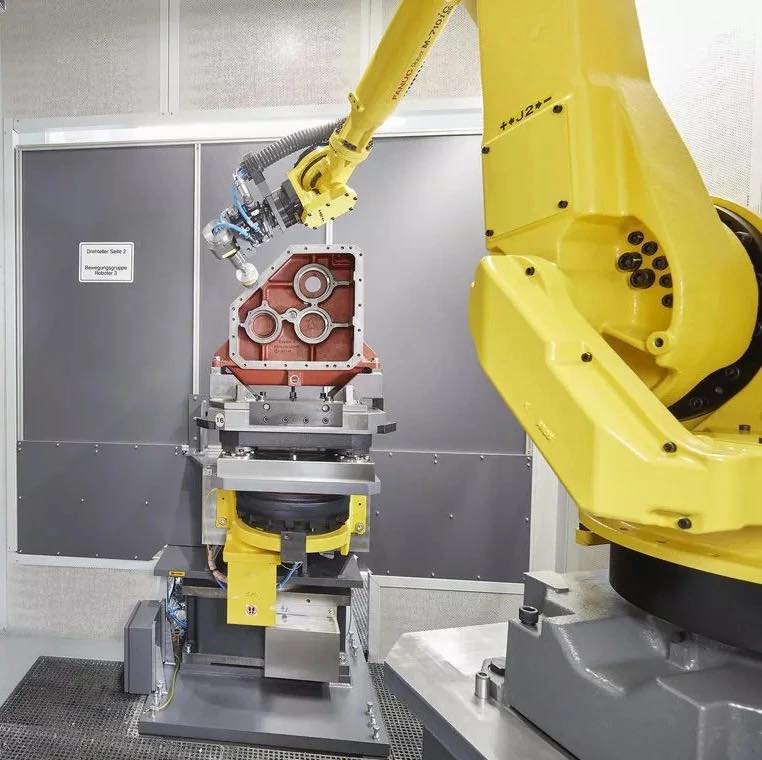
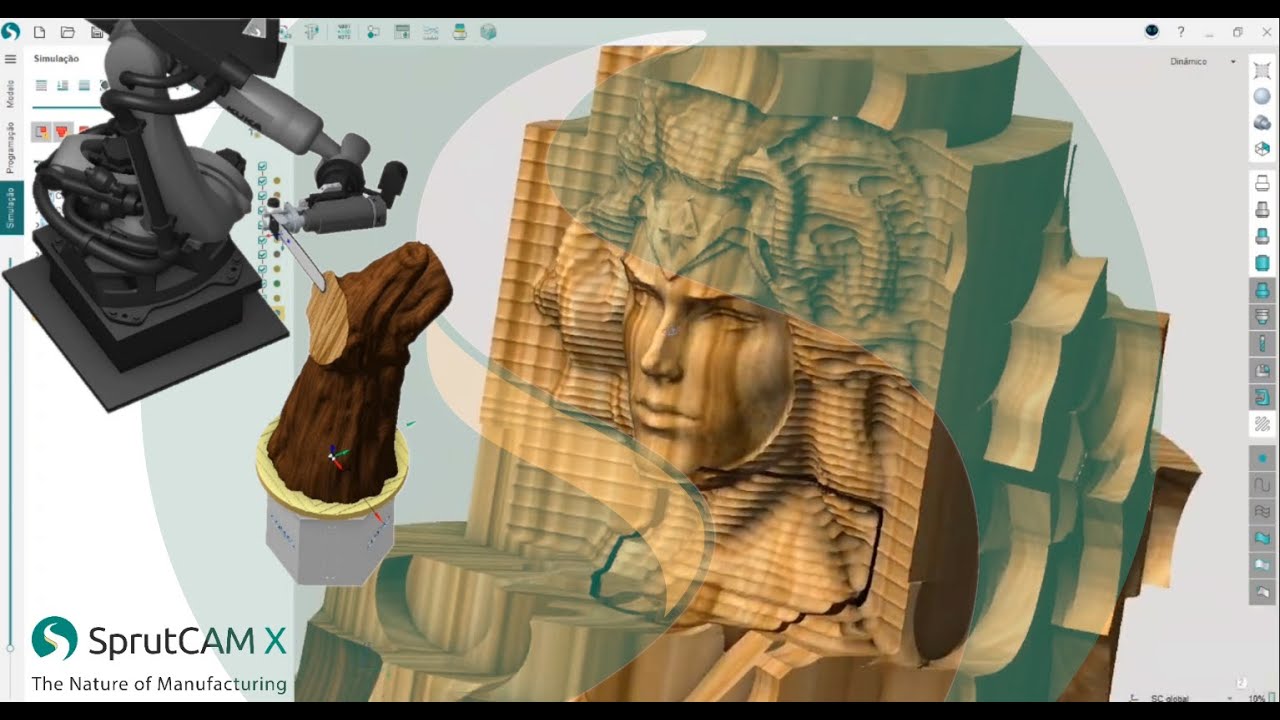
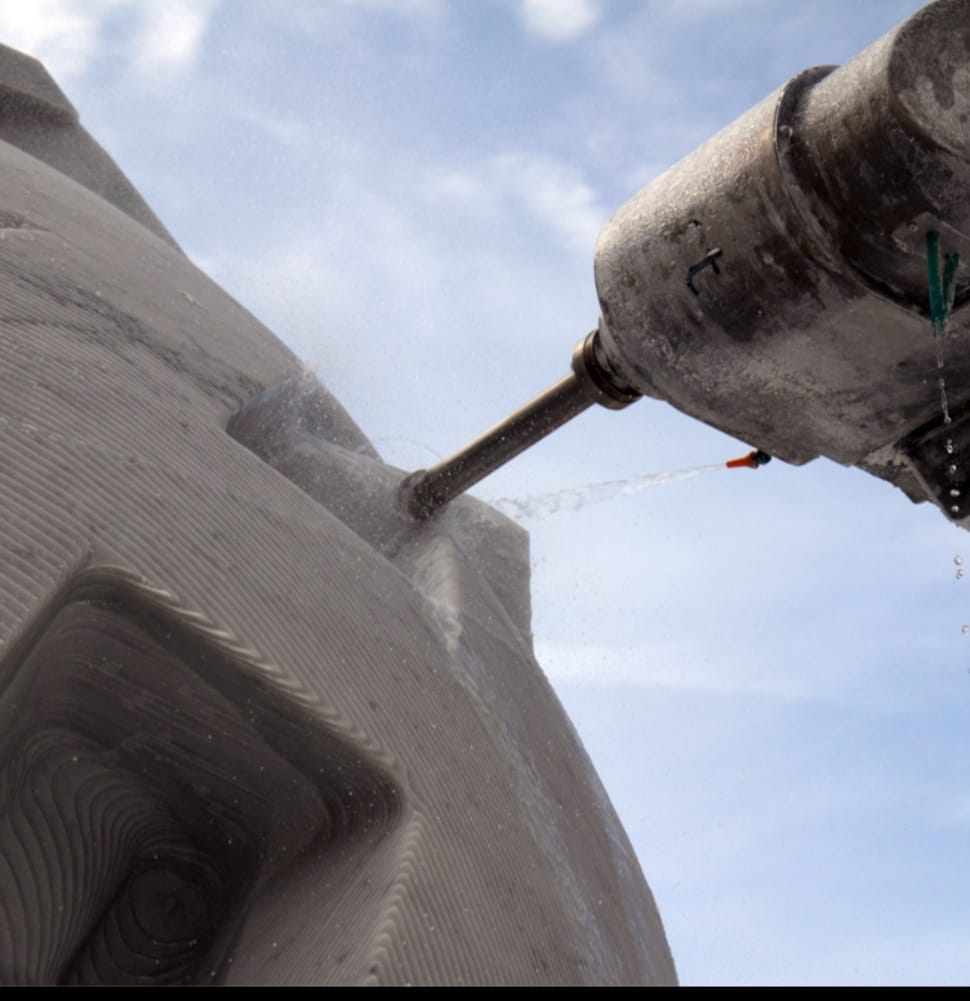
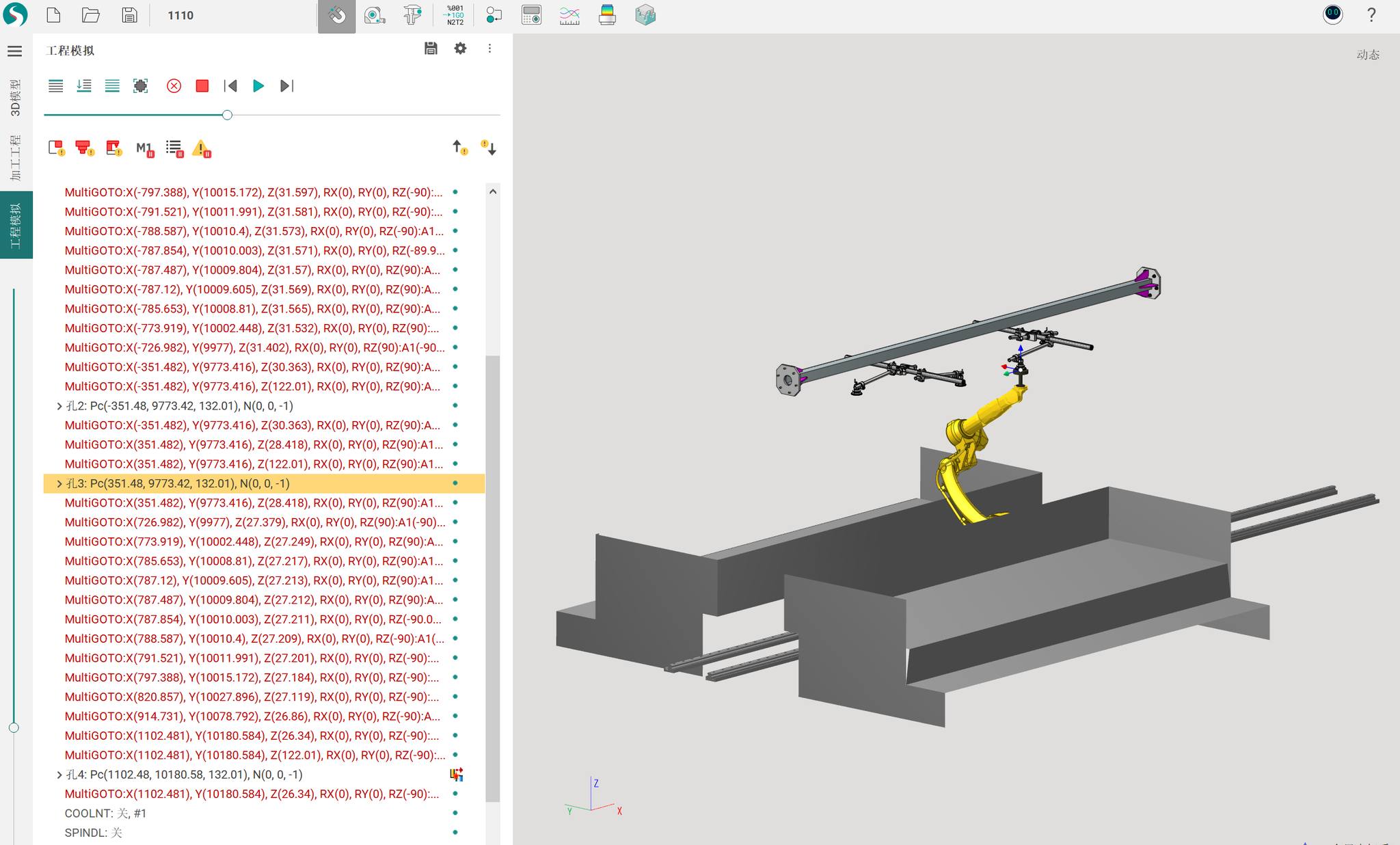
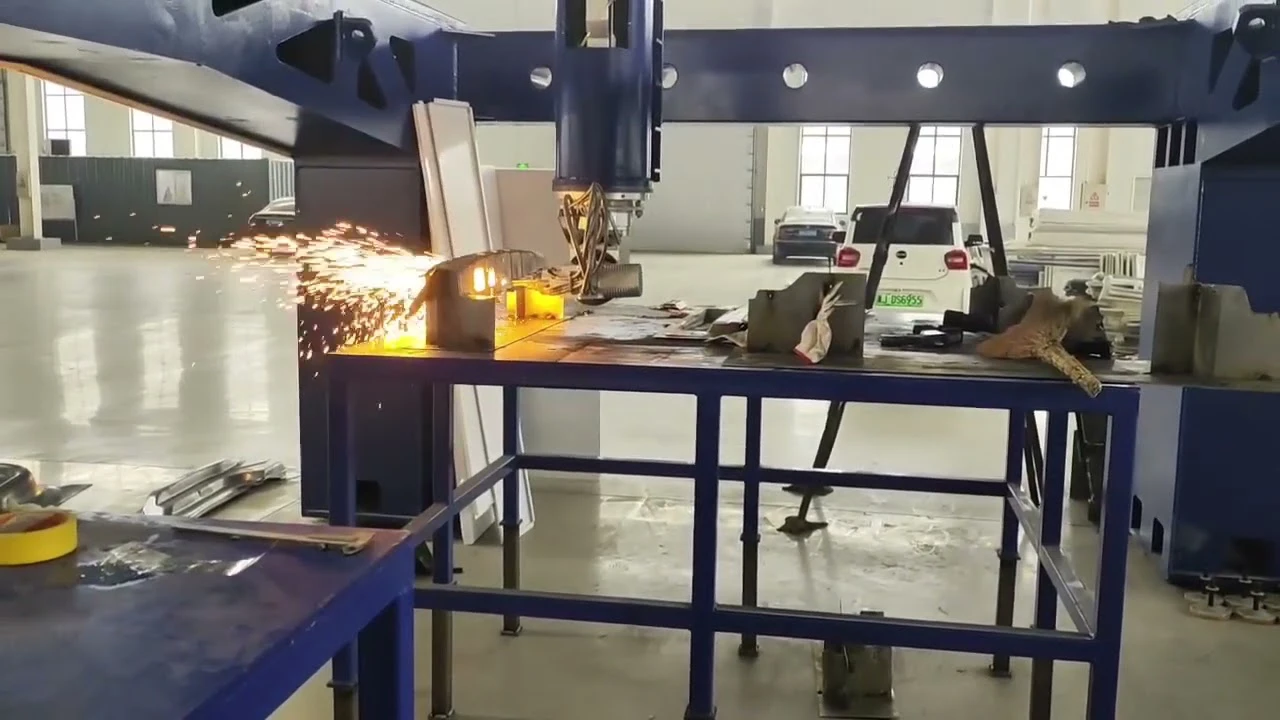
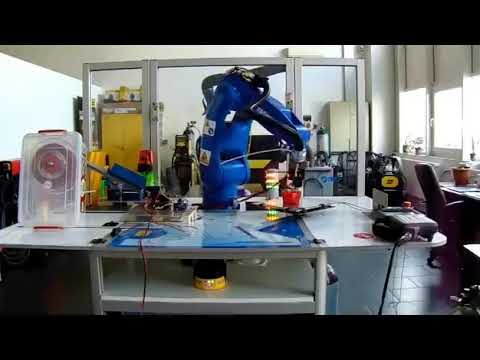
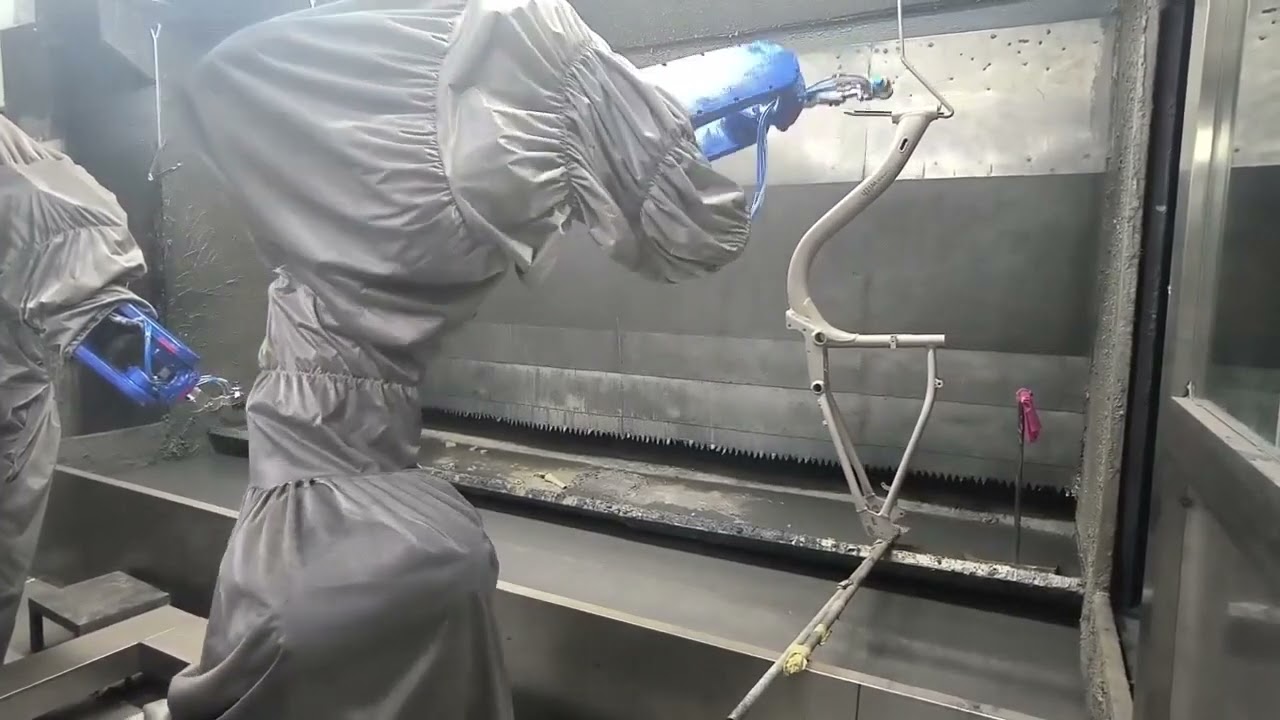
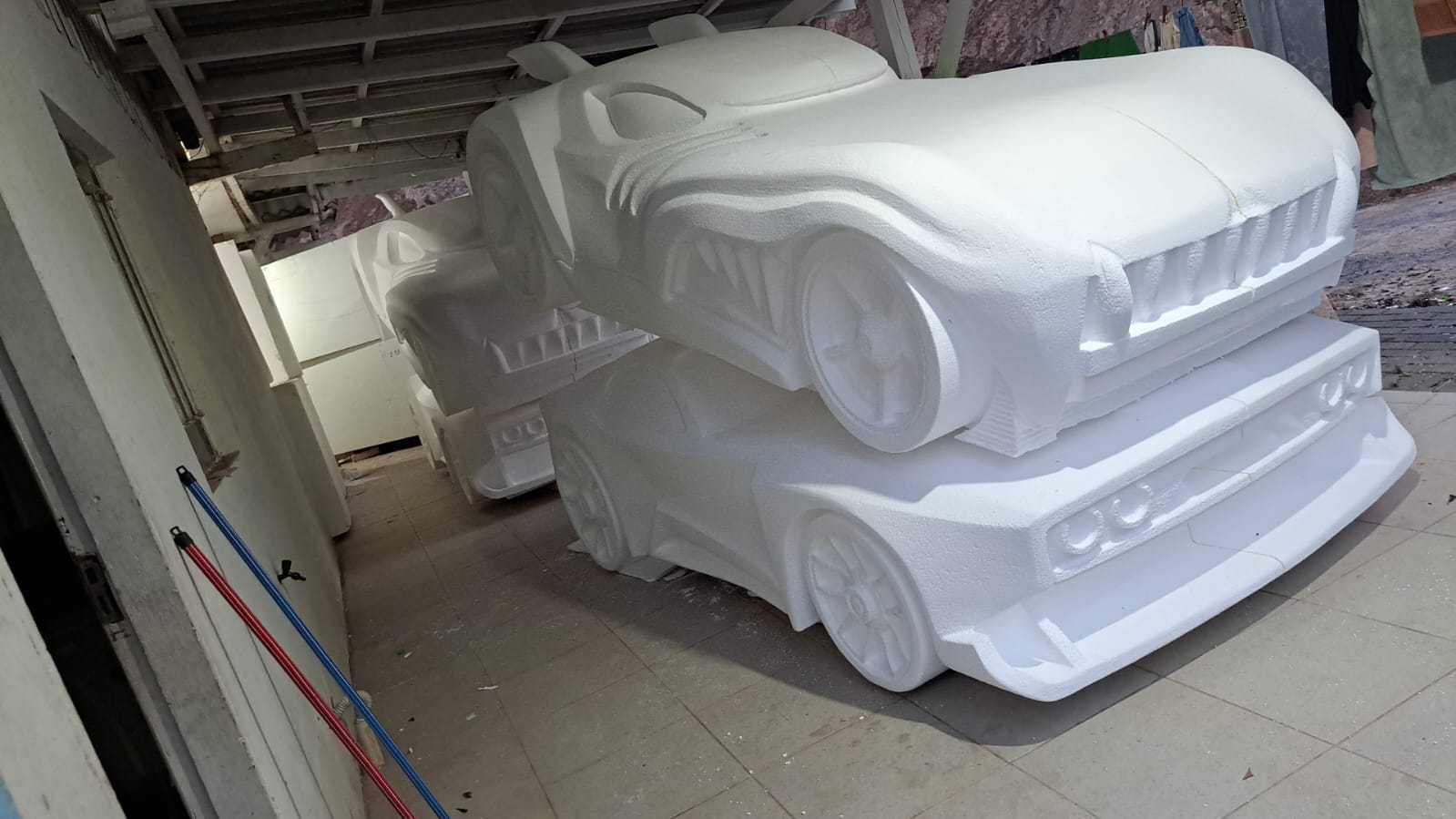
In general, industrial robots and cobots are versatile and usually don’t have a limitation to a specific application. So, in most cases, Cobot AUBO i20 can be used for various applications such as pick-and-place, robotic welding, cutting, deburring, polishing, painting, dispensing, additive manufacturing and robot milling.
Its main applications are: Robot milling, Multiaxis cutting, Deburring, Pick and place, Assembly. However, we recommend consulting your robot supplier or the official manufacturer.
Continue reading to find out how AUBO i20 can be programmed with the all-in-one CAD/CAM/OLP robot programming software SprutCAM X Robot.
What is SprutCAM X Robot
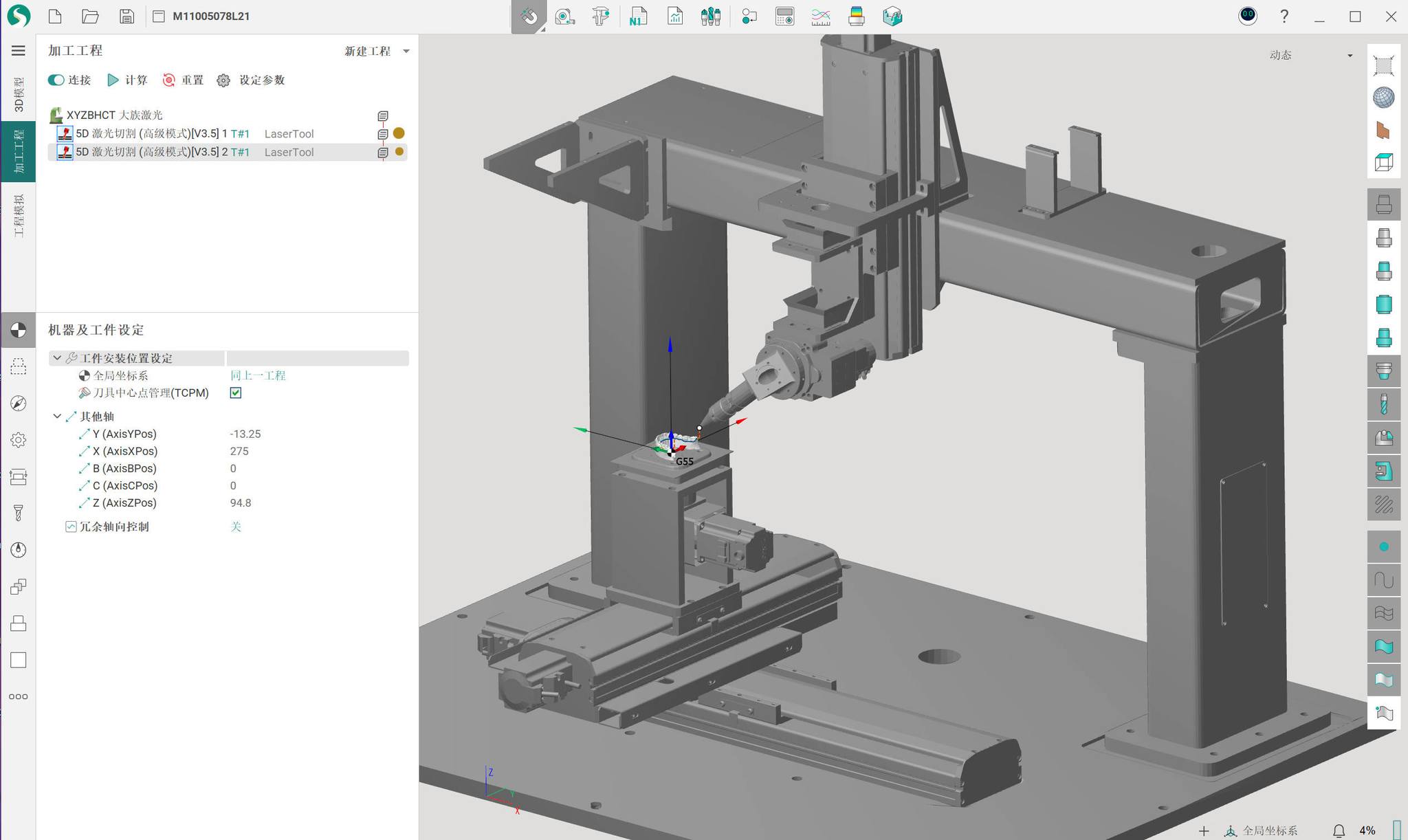
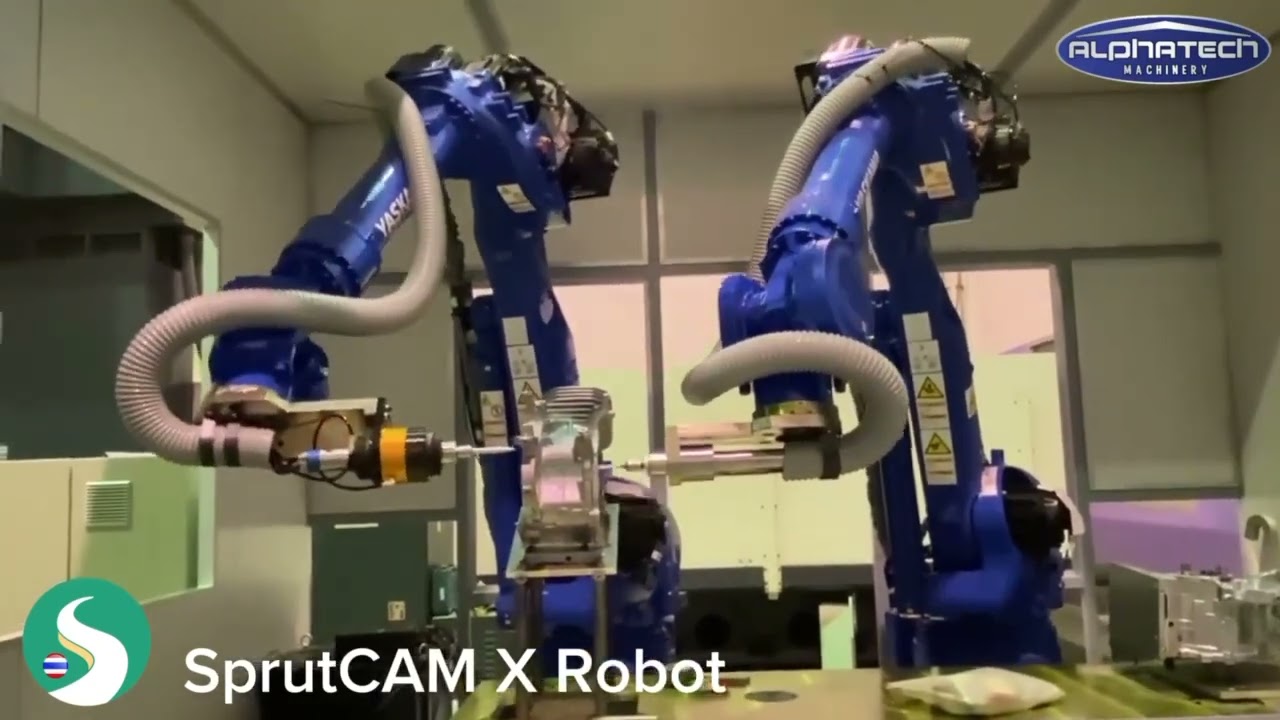
SprutCAM X Robot CAD/CAM software is the innovative all-in-one offline robot programming solution that accelerates complex and creative robotic tasks by many times.
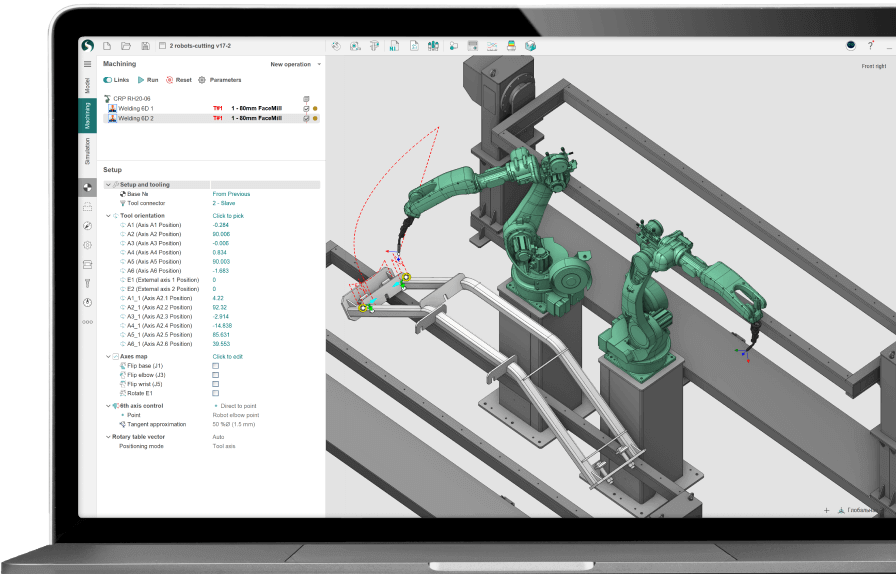
AUBO i20 applications programmed with SprutCAM X Robot
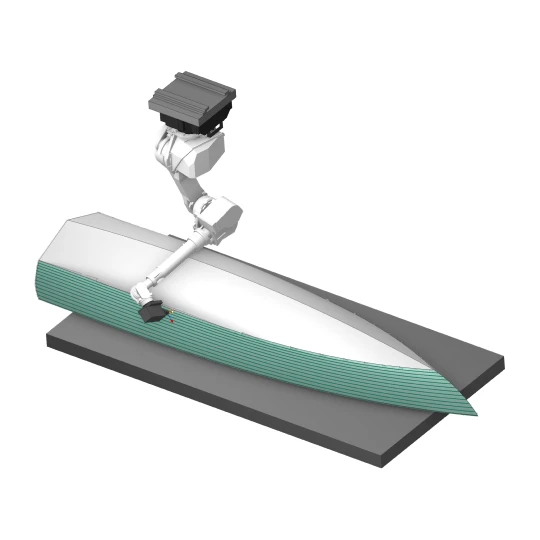
Robot milling
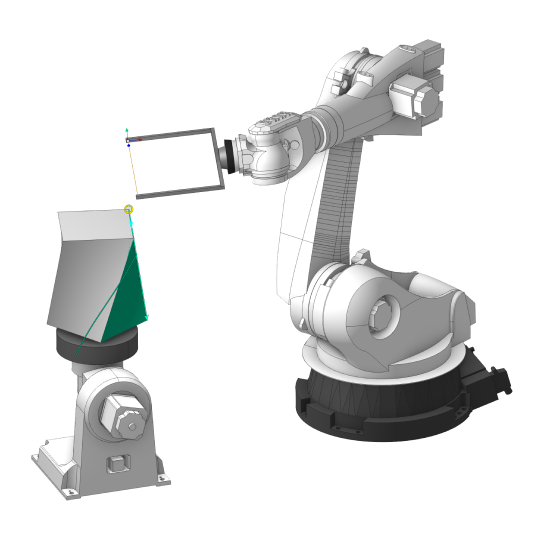
Multiaxis cutting
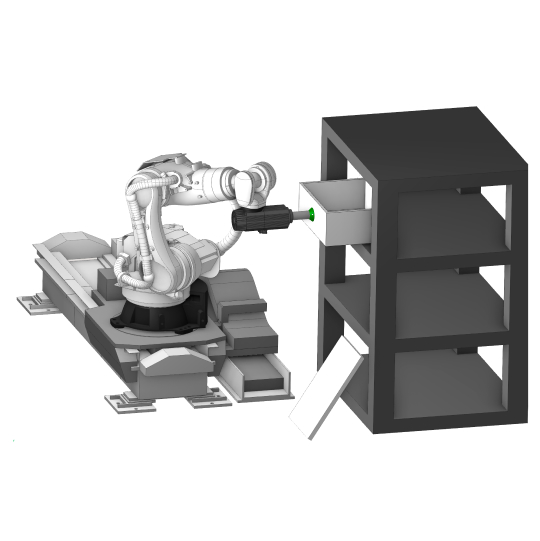
Pick and place
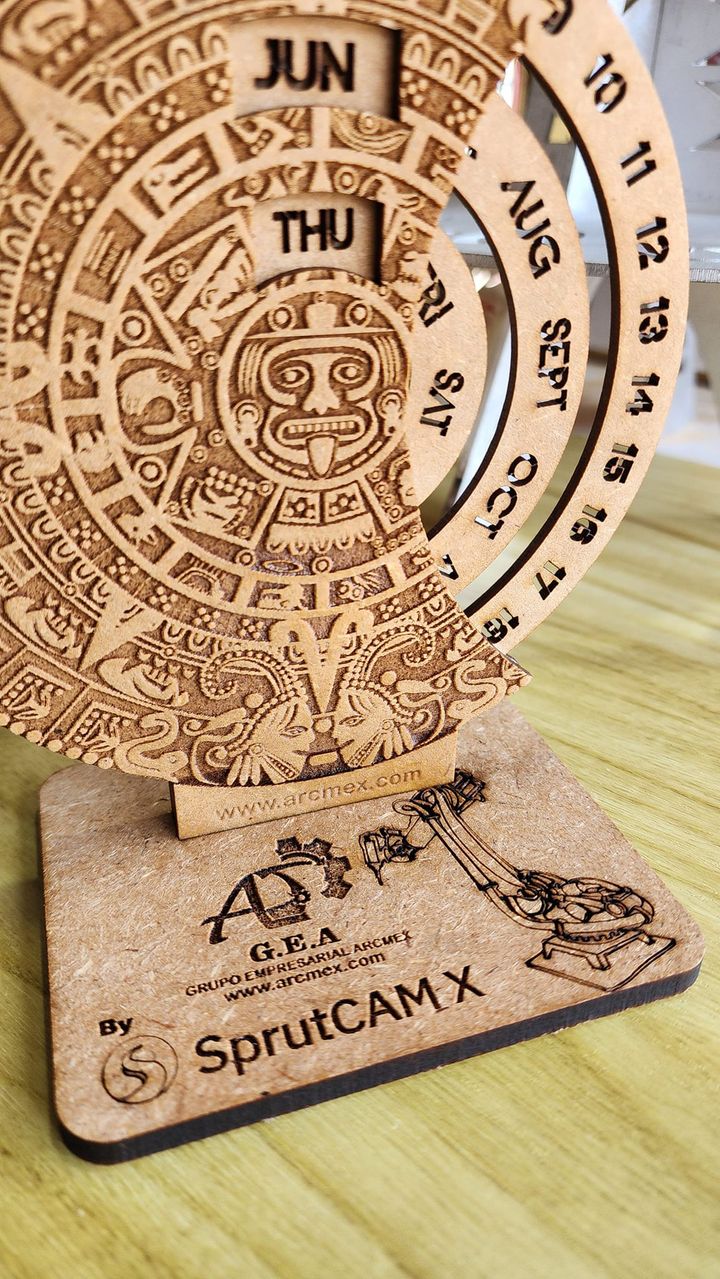
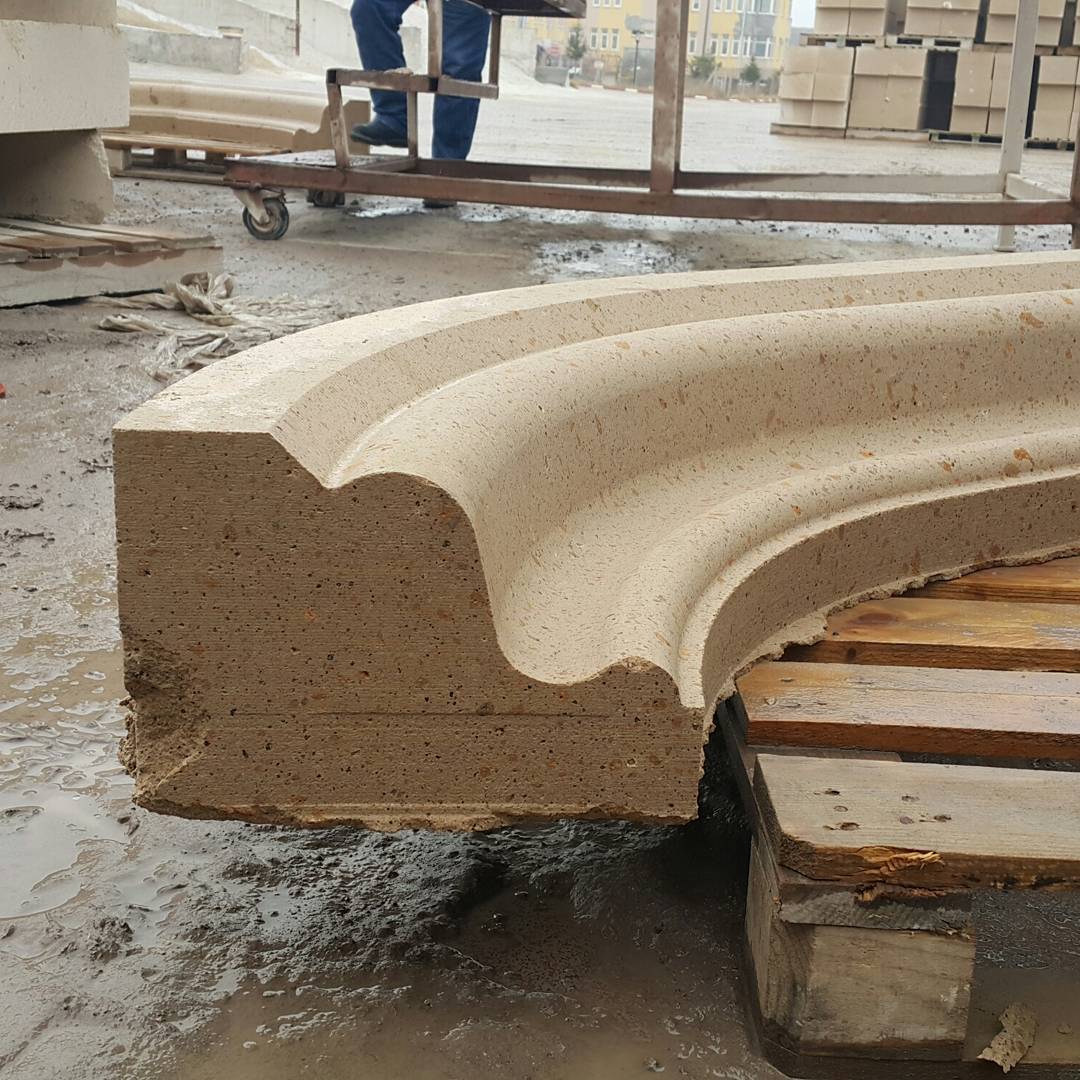
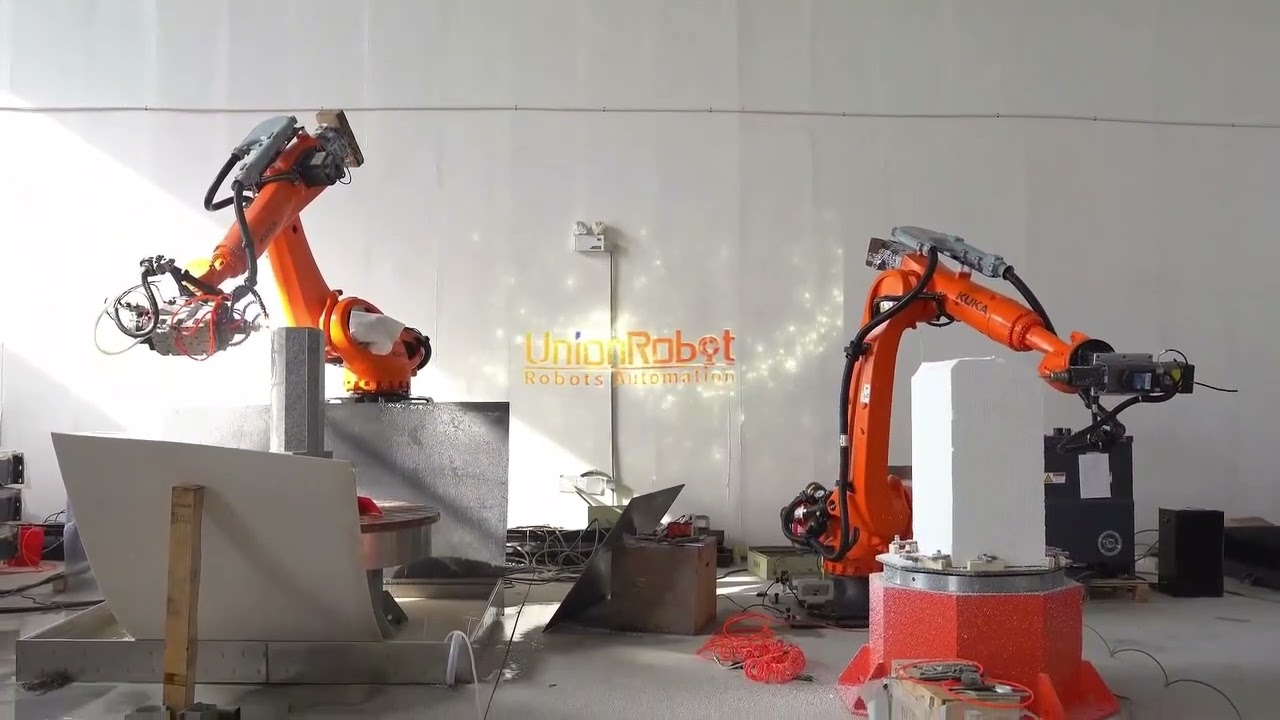
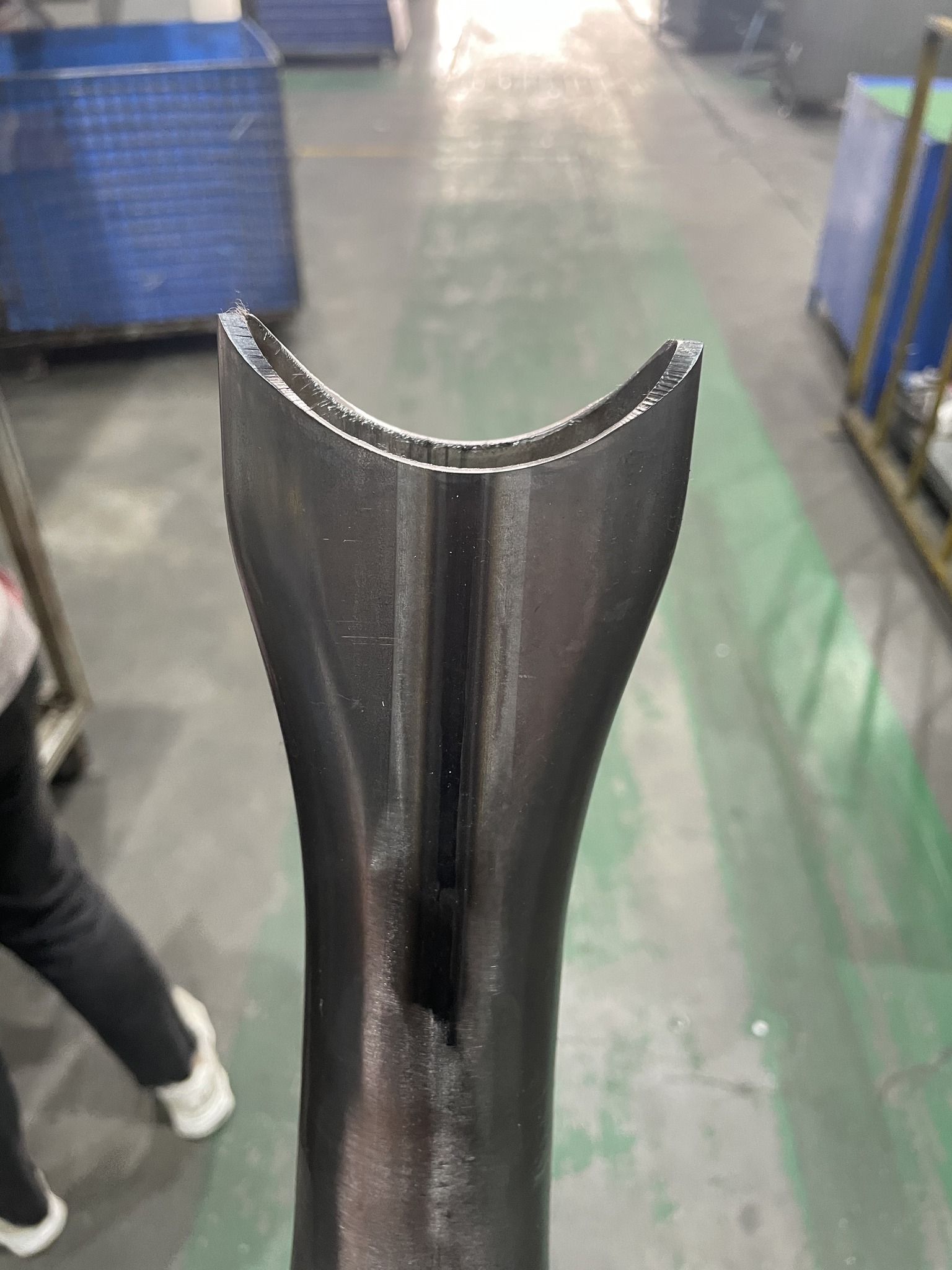
#PoweredBySprutCAM
#PoweredBySprutCAM
Daily posts from our users all over the world
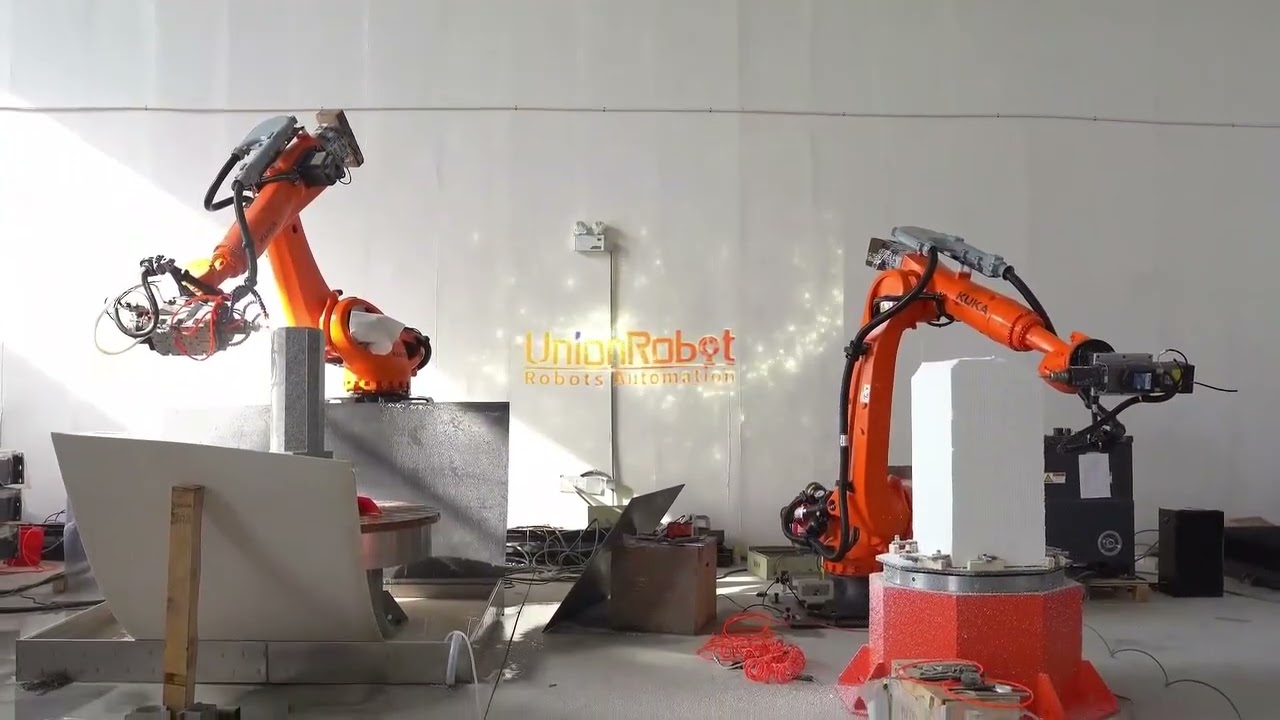
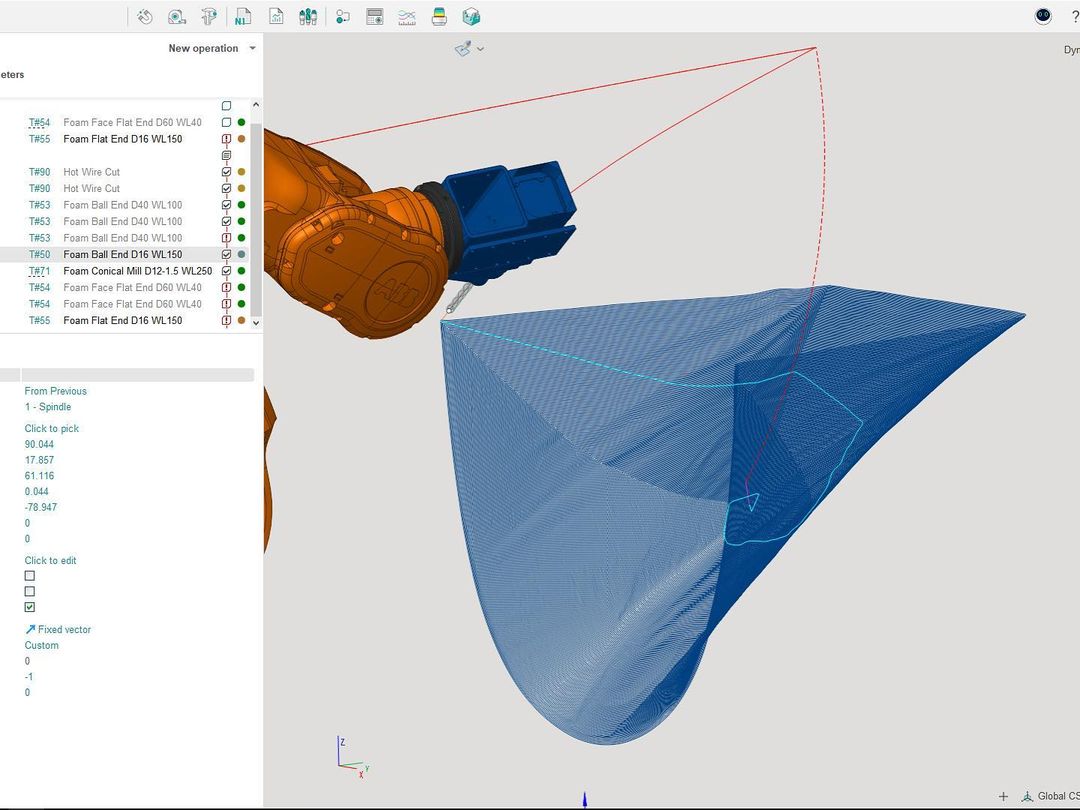
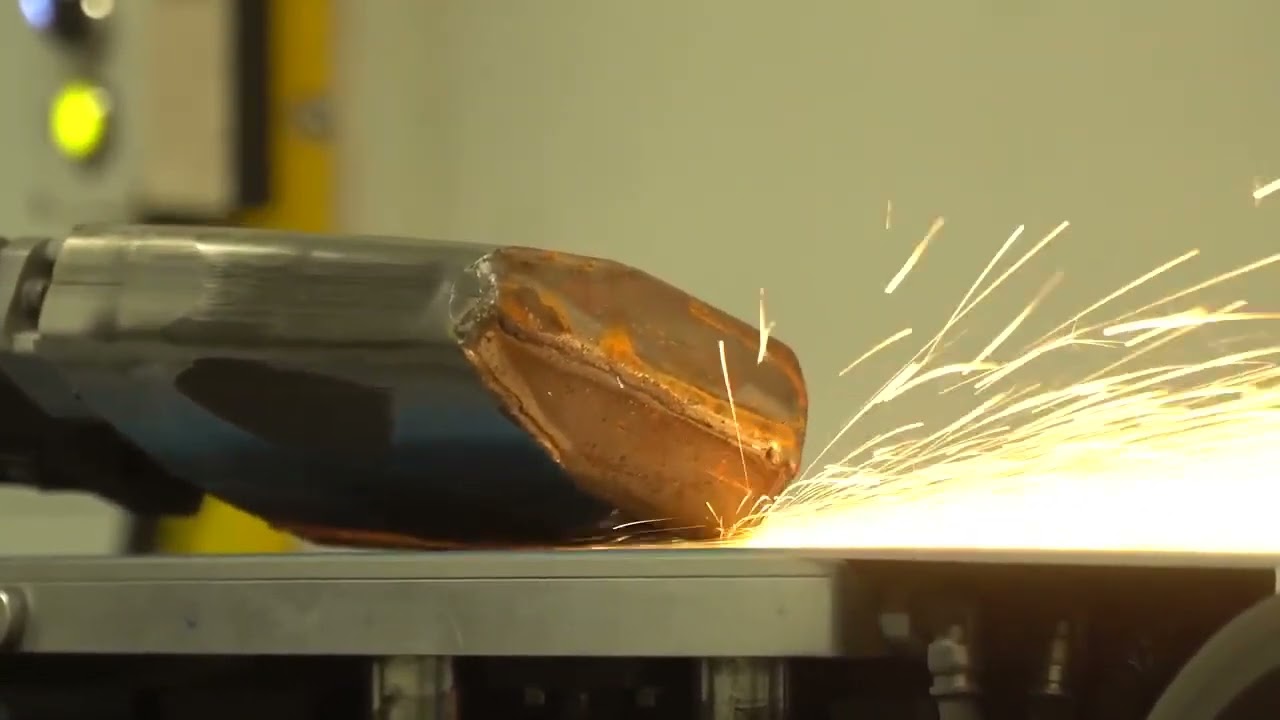
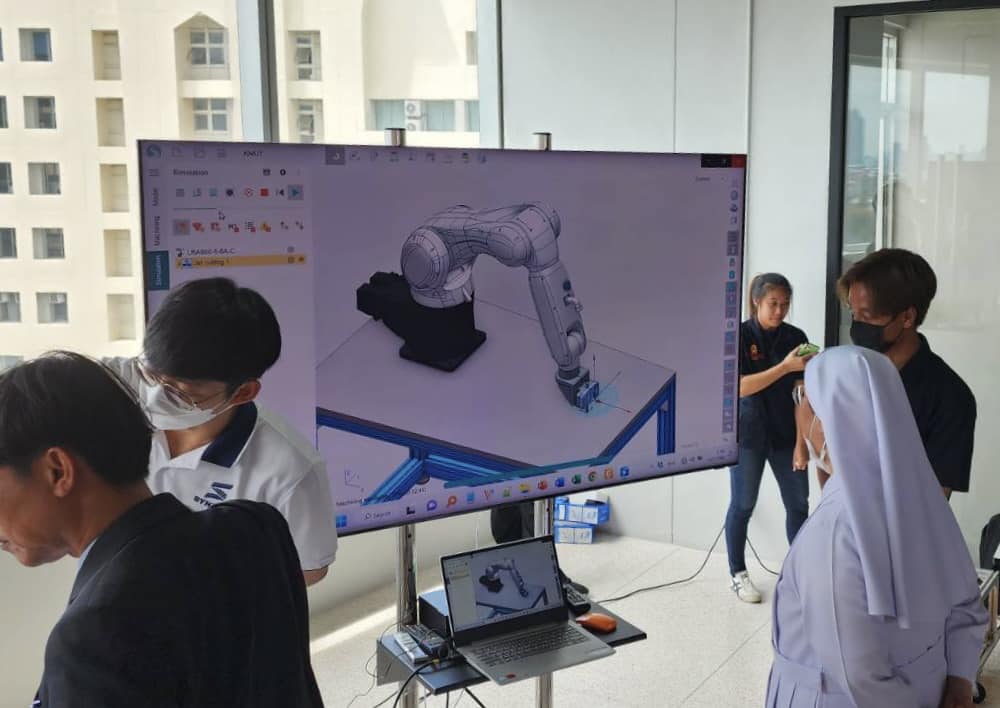
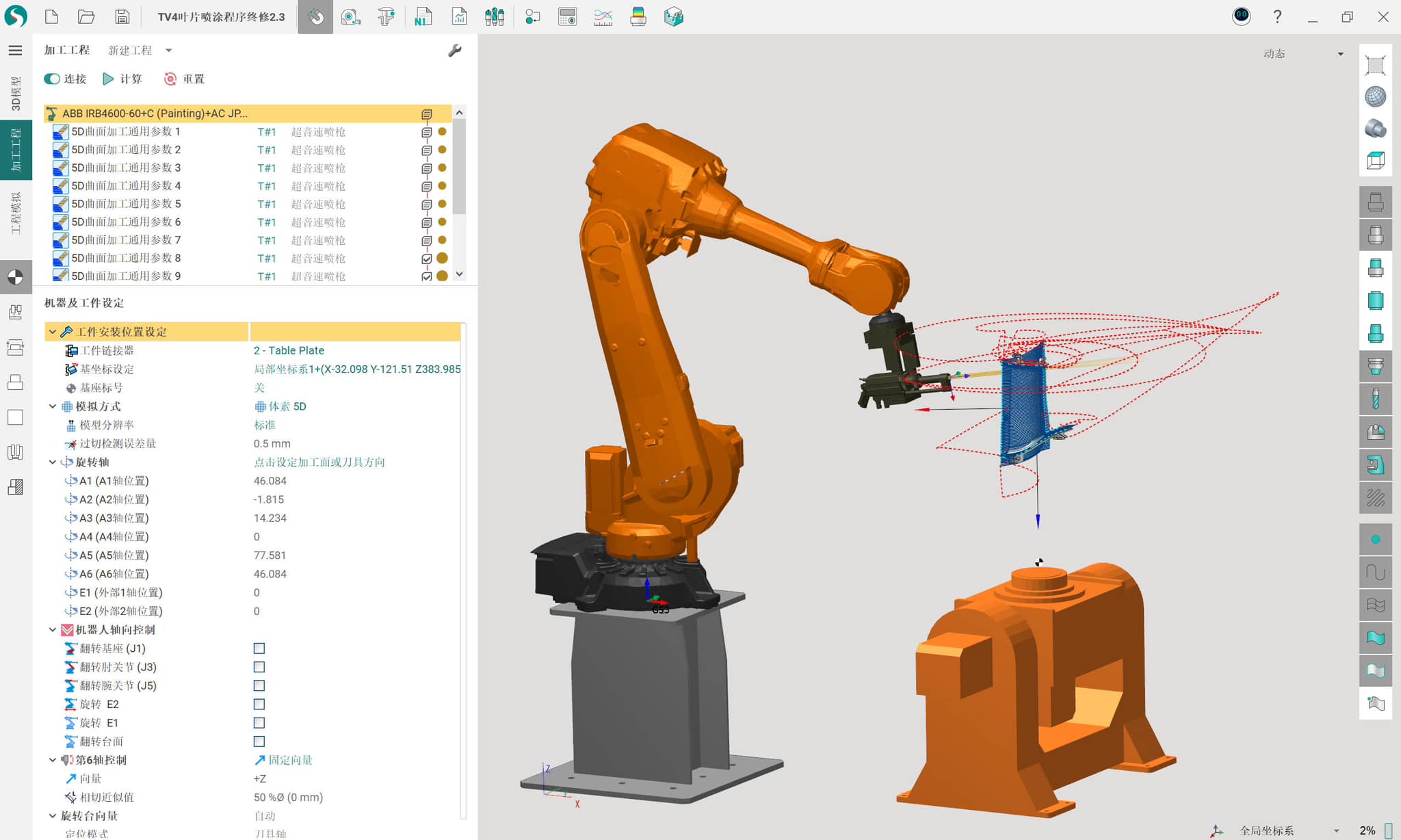

How to start programming AUBO i20 with SprutCAM X Robot
Step by step instruction
Step 1
Download and install SprutCAM X Robot.
Free 30-day fully functional license is granted automatically.
Step 2
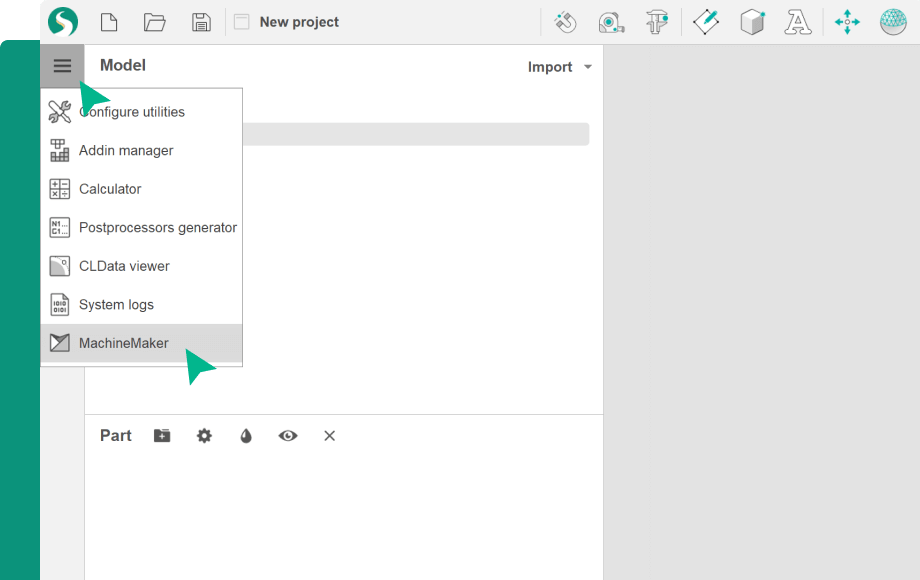
Open MachineMaker
Step 3
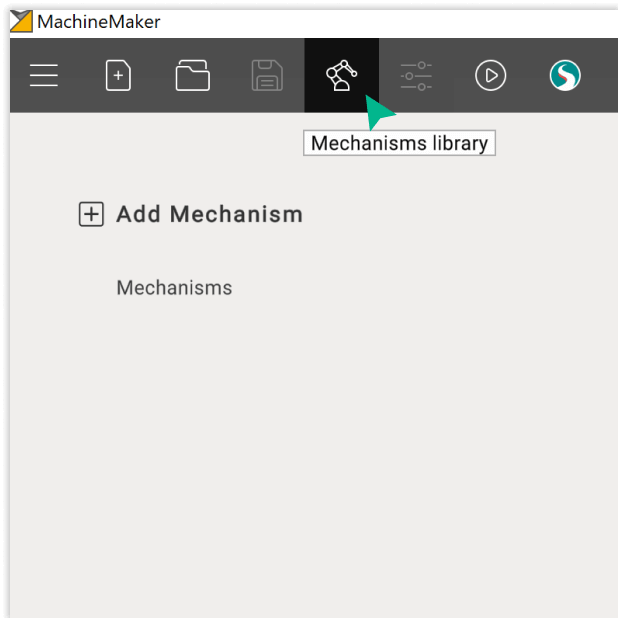
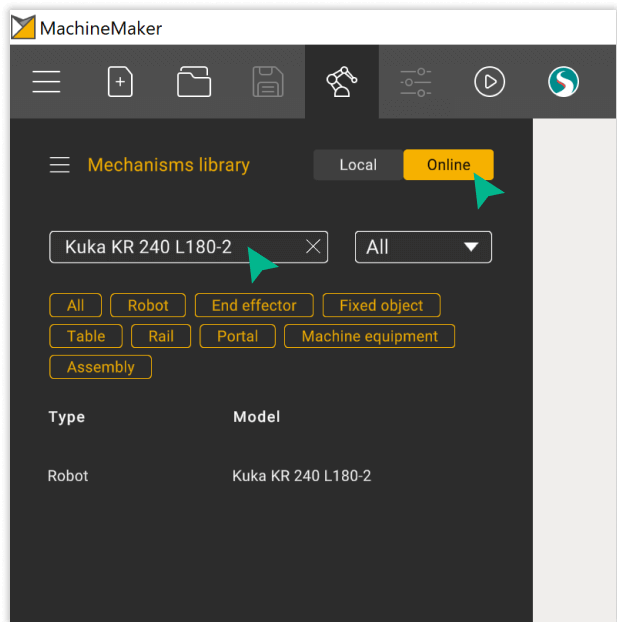
Open online library
Step 4
Find the component
Step 5
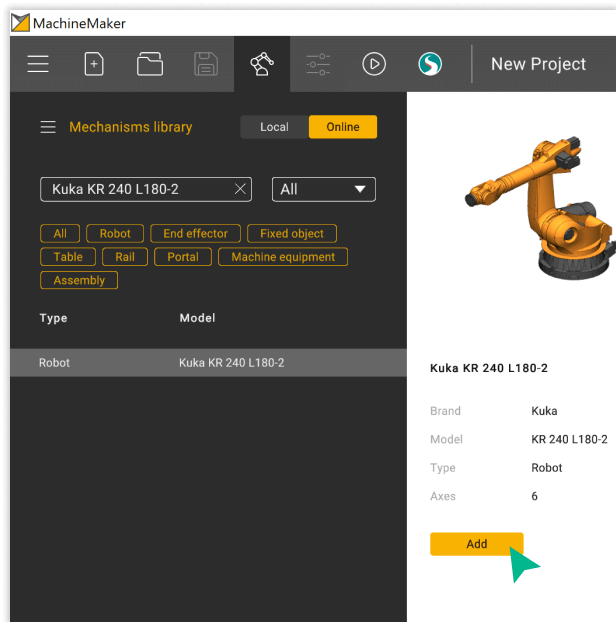
Click on the “Add” button. Ready!
Frequently Asked Questions
Just download a fully functional trial version of SprutCAM X Robot at the download center and start using it. You can learn how to use SprutCAM X Robot in online training center.
It is possible to install a free version of SprutCAM X Robot and start programming AUBO i20 with it?
Absolutely. Simply download a 30-day fully functional trial version of SprutCAM X Robot at the download center.